
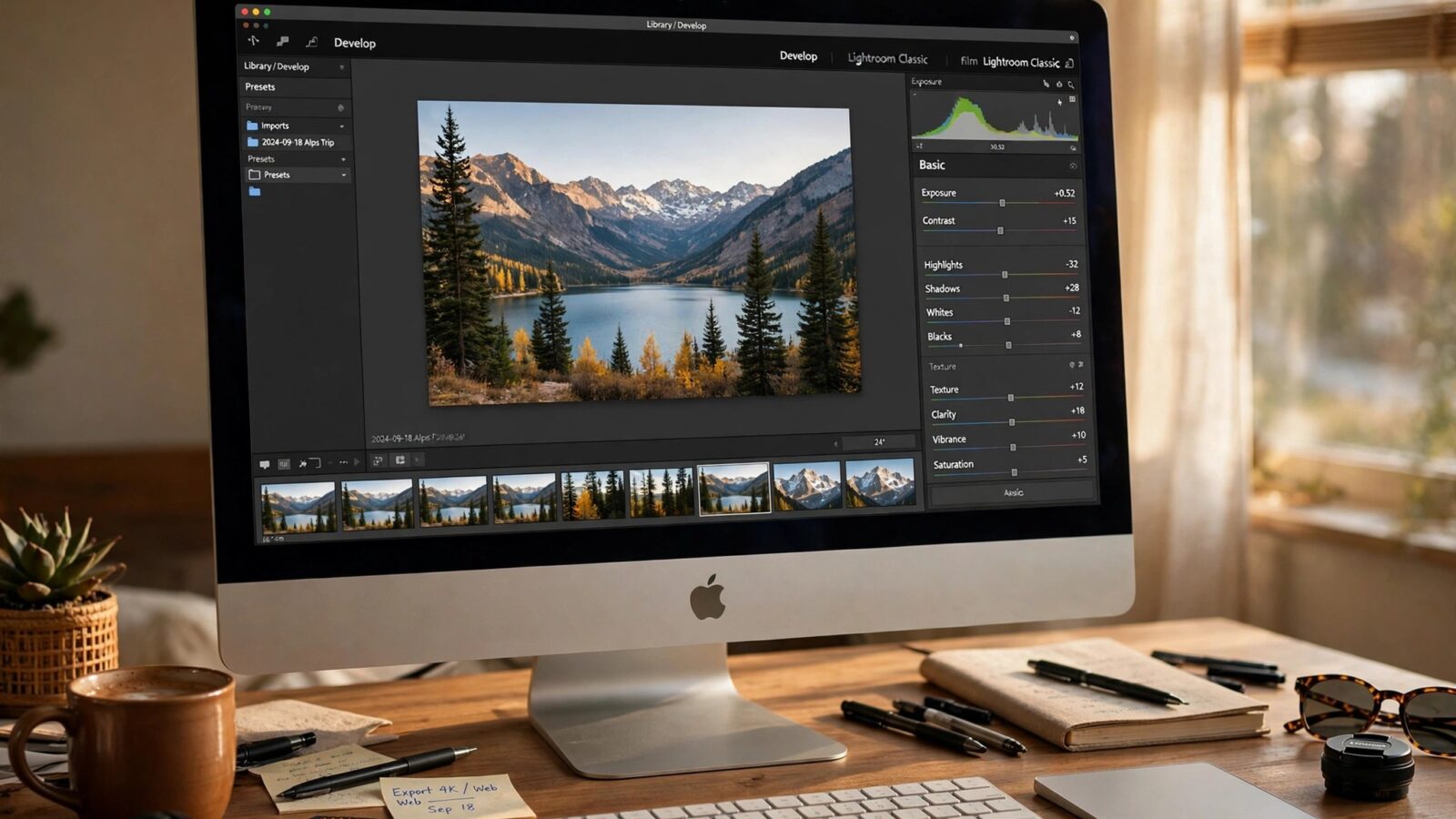
Asking is Photomator worth it for professionals is really asking whether a focused Apple photo editor can carry paid work, not just personal edits. The honest answer is that it depends on the kind of professional you are. For many photographers, it is a strong daily editor. For others, it will be one tool in a larger kit rather than the whole studio.
This assessment looks at Photomator through a professional lens: image quality, speed, consistency, delivery and the limits that matter when clients are involved.
Where Photomator Earns Its Place in Professional Work
Image quality is the first test, and Photomator passes it well for most commercial and editorial work. RAW handling, color control and detail tools are strong enough for portraits, events, travel and product work, especially when the final output is web, social or moderate print sizes.
Speed is the second advantage. Photomator is fast to open, fast to learn and fast to move through a set. That matters when you are editing the same evening as a shoot, or turning around a client gallery on a tight deadline. A tool that gets out of the way is worth more than a powerful tool you avoid opening.
Consistency Across a Whole Shoot
Clients notice consistency before they notice individual edits. A wedding set, a product range or a brand shoot needs to look like one body of work, not a collection of experiments. Photomator supports that with repeatable adjustments, presets and a clean editing order, and its sync across Apple devices means a Mac edit can be checked on an iPad or iPhone before delivery. For more on that workflow, see how to sync Photomator edits across Apple devices.
That consistency is also why a disciplined edit order matters more than any single slider. Correct exposure and color first, then shape the look, then check the set as a whole before exporting.
Where Professionals Should Be Realistic
Photomator is not a full design or retouching suite. Heavy compositing, complex layer work and advanced graphic design still belong in dedicated tools. If your work regularly needs those, Photomator will be your photo editor, not your only application, and that is a reasonable setup.
Collaboration is another consideration. If a studio needs shared catalogs, detailed multi-user review or deep integration with a specific agency pipeline, check those requirements before committing fully. Many solo professionals and small teams will not hit these limits, but larger operations should test the workflow on a real job first.
Cost, Time and the Real Value Test
Value for a professional is not just the subscription price. It is the price plus the hours saved, minus the hours spent fighting the tool. If Photomator shortens your editing time, improves your consistency and produces files clients accept without revision, it pays for itself quickly. If you constantly export to another app to finish basic work, it does not.
The fairest test is a real paid job. Edit a full client set in Photomator, deliver it, and note where you felt fast, where you felt limited and whether the client noticed any difference. That one job tells you more than any feature list.
For a direct head-to-head view of how Photomator compares with a larger desktop editor, read Photomator vs Lightroom before deciding where it fits in your workflow.
Conclusion
Is Photomator worth it for professionals? For photographers who need fast, consistent, high quality photo editing inside the Apple ecosystem, yes, it is a serious professional tool. For photographers whose work depends on heavy compositing or complex studio pipelines, it is best used alongside specialist software. Judge it on a real job, not on a feature comparison, and you will get a clear answer for your own practice.
Frequently Asked Questions
Can professionals deliver client work edited only in Photomator?
Yes, for most portrait, event, travel and product work, provided the job does not require heavy compositing or specialist design tools. Many professionals use it as their main photo editor.
Is Photomator good for large shoots?
It handles large sets well when you work with a consistent edit order and presets, and syncing across devices helps with review. Very large studio pipelines should still be tested on a real job first.
Does Photomator replace Lightroom for professionals?
It can replace it for photographers who value speed and a focused toolset, but those tied to a specific Lightroom catalog or agency workflow may prefer to keep both tools in use.
What should a professional test before switching?
Edit one full client job end to end, including RAW handling, consistency checks, export and delivery, and note any point where you needed another application to finish the work.