
Wedding photos carry a particular kind of pressure. The light changes from room to room, the day moves quickly, and the people in the pictures will look at them for years. When you edit wedding photos in Photomator, the goal is not to make every frame look dramatic. It is to keep skin honest, light believable and the whole gallery calm enough that no single image jumps out for the wrong reason.
Photomator suits this work because its adjustments are nondestructive. You can set a gentle base look, test it across ceremony, portrait and reception frames, and then refine individual photos without losing the original files. That flexibility matters when a church, a garden and a dance floor all appear in the same collection.
Start with a calm base edit
Begin with one strong frame from the ceremony or the couple portraits. Set white balance first, because a warm or cool cast will change how skin looks more than any other slider. Aim for skin that looks like the person in daylight, not pink, orange or grey. Then set exposure so faces hold detail. Bright dresses and dark suits will always test the range of a file, so recover highlights only as far as needed and lift shadows gently rather than forcing a flat, washed out result.
Once the base frame feels right, check it at full size and on a smaller screen. Wedding galleries are often viewed on phones, so an edit that looks perfect on a large monitor can still feel too contrasty or too warm on a phone. Small checks save a lot of later revision.
A simple wedding editing workflow in Photomator
Work in the same order for most frames. Correct white balance and exposure, then shape contrast with care. Use curves or gentle tonal controls only after the global light feels settled. Next, look at colour. A small shift in saturation or vibrance is usually enough. Wedding colour should feel warm when the light was warm and clean when the light was neutral, but it should not turn grass neon or make flowers look artificial.
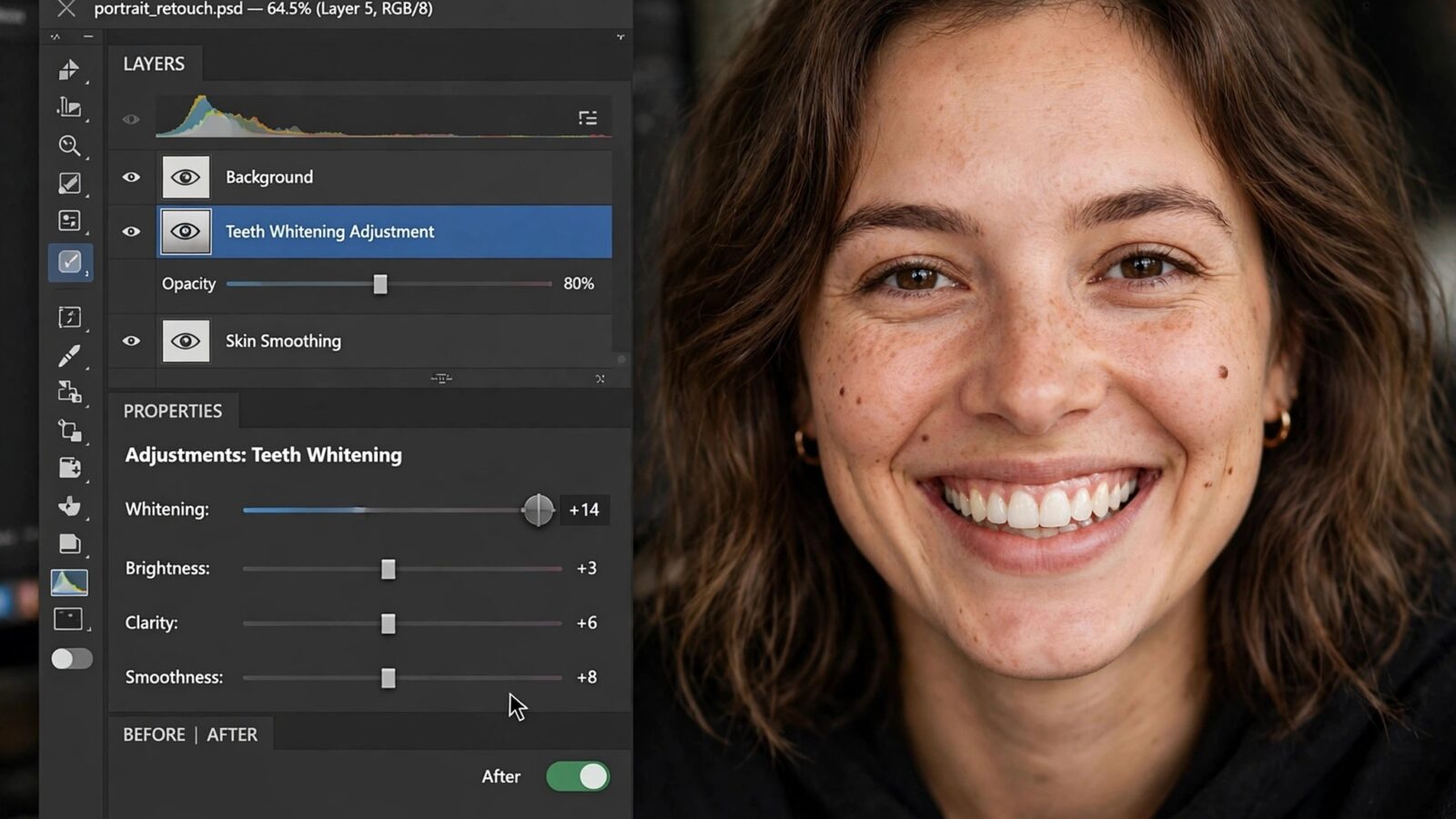
For portraits, selective adjustments help more than global changes. Brighten a face slightly, soften a distracting background tone, or recover a bright dress detail without changing the whole scene. Keep local edits subtle. The viewer should notice the person first, not the editing.
When the base look is settled, copy it to similar frames from the same scene. Then review each image on its own. Mixed lighting, a different dress detail, or a face turned toward shade can all need a small correction. Batch work creates consistency, but individual review keeps the gallery human.
Handling difficult wedding light
Reception light is the hardest part of most wedding sets. Coloured lights can tint skin in ways that look exciting in the room but strange in a still photograph. Reduce the strongest cast first, even if you cannot remove it completely. A partial correction usually looks more natural than an aggressive fix that turns skin grey.
For outdoor portraits, watch for harsh sun and deep shade in the same frame. A gentle highlight recovery and a careful shadow lift can bring the two areas closer together. If the background is very bright, it is better to accept a bright sky than to darken the whole image until faces look dull. Your subject is the story, not the sky.
For indoor ceremonies, noise can appear in darker frames. Apply denoise only where it helps and inspect skin texture closely afterwards. Smooth skin that loses all texture looks less natural than a frame with a little grain and a real expression.
Keep the gallery consistent without making it identical
Consistency does not mean every photo must share the exact same sliders. It means the gallery feels like one day, photographed in one style. Ceremony frames may be a little softer, reception frames a little warmer, and portraits a little cleaner, and that variation is honest. What should stay steady is skin tone, overall brightness and the feeling that colour was handled with restraint.
Build a short checklist before delivery. Check skin in shade and sunlight, check white dresses for lost detail, check dark suits for blocked shadows, and check group photos for faces that are too dark at the edges. A final pass through the full gallery in order often reveals one or two frames that drift away from the rest.
For a related approach to people photography, see the guide to editing portraits in Photomator. For help keeping a larger set visually steady, the guide to creating a consistent editing style in Photomator is also useful.
Common wedding editing mistakes to avoid
Over-smoothing skin is the most common mistake. It removes the texture that makes a portrait feel alive. Heavy vignettes are another problem. A dark edge can suit one dramatic portrait, but repeated across a gallery it starts to feel like a filter rather than a style. The same is true for strong presets. A preset can be a good starting point, but it should be adjusted for each lighting situation rather than applied without review.
Also avoid chasing perfect colour in every frame. Wedding days include mixed light, imperfect backgrounds and fast moments. A natural, slightly imperfect frame with a genuine expression will usually mean more to a couple than a technically perfect image that feels stiff.
Frequently asked questions
Should wedding photos look warm or neutral in Photomator?
They should follow the light of the moment. Golden hour portraits can stay warm, while indoor ceremony frames often look better neutral. The key is steady, believable skin rather than one fixed temperature for the whole day.
How much retouching should wedding portraits receive?
Remove temporary distractions such as a stray hair or a small blemish if the couple would expect it, but keep natural texture, freckles and expression lines. Light retouching preserves the person instead of replacing them.
Is it better to edit wedding photos in RAW or JPEG?
RAW gives more room to recover highlights in dresses and shadows in suits, which is valuable in mixed wedding light. JPEG can work for well exposed frames, but it leaves less room to correct a difficult scene later.
How do I keep hundreds of wedding photos consistent?
Set a base edit for each lighting situation, copy it to similar frames, and then review each image briefly. Grouping by scene is faster and more reliable than editing every photo from scratch or applying one look to the entire day.
Should I use the same preset for the ceremony and reception?
Use the same general approach, but adjust white balance, exposure and colour for the reception light. A preset is a starting point, not a finished edit for every situation.
A calm finish
Good wedding editing is mostly invisible. When skin looks natural, light feels believable and the gallery flows from one scene to the next, the couple can focus on the day itself. Photomator gives you the controls to reach that result without forcing a dramatic look on every frame. Start gently, check your work at real viewing sizes, and let the photographs, not the sliders, carry the story.