
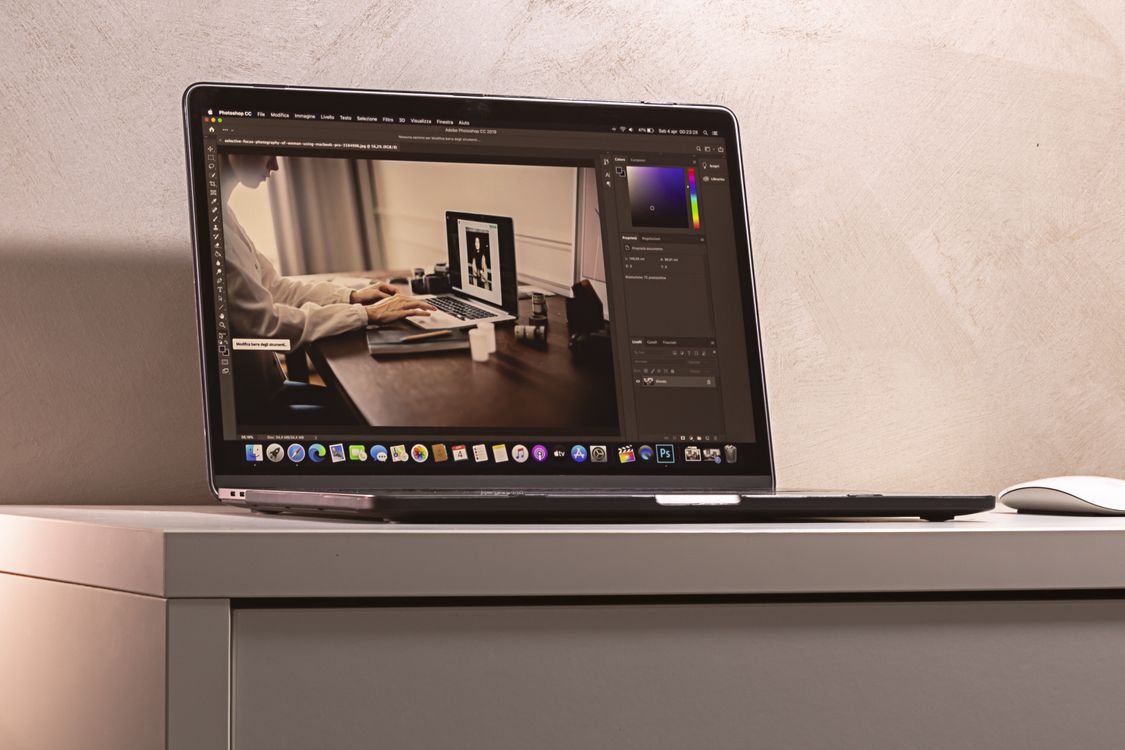
A minimalist photo editing setup is not about owning less for its own sake. It is about removing friction, so editing feels calm and repeatable. With Photomator on Apple devices, that means one main editor, one clear folder system, a small set of presets and a simple export routine.
Many photographers collect tools and presets until every photo takes a different path. A minimalist setup does the opposite. It gives each photo the same starting point, so you spend attention on the image, not on choosing software.
Choose one main editor and one device flow
Use Photomator as your main editor across Mac, iPad and iPhone where possible. Syncing edits across devices means a photo started on a phone can be finished on a Mac without rebuilding the edit. Keep a second editor only for a specific task, such as a complex composite, rather than for everyday adjustments.
Decide where photos live. One library, one import habit and one backup routine are enough. For library structure, see the guide to organizing a photo library in Photomator. For a consistent look, the guide to creating a consistent editing style in Photomator is a good companion.
Keep presets small and useful
A minimalist preset collection has a handful of starting points, not dozens of near duplicates. Keep one natural colour preset, one warm preset, one black and white preset and one clean portrait preset. If a preset is not used in a month, remove it or merge it with a similar one.
Presets should be starting points, not finished looks. Apply one, then adjust exposure, white balance and contrast for the actual photo. That habit keeps a personal style consistent without making every image look identical.
Simplify exports and backups
Choose one export size for sharing and one full size setting for archiving. Name exports clearly and keep the edited original in Photomator. A simple backup routine, such as a regular copy of the library, protects the work without adding another app to manage.
Review the setup once a season. Remove unused presets, tidy folders and check that sync is working. A minimalist setup stays minimalist only if it is maintained in small, regular steps.
Frequently asked questions
Is one editor enough for serious editing?
For most everyday, travel, portrait and family work, yes. A focused editor covers exposure, colour, masks, repair and export. Keep a second tool only for specialist tasks you actually do often.
How many presets should I keep?
Start with four or five. If you cannot explain what each preset does differently, you probably have too many. A small set is easier to remember and easier to adjust.
Should I edit on iPhone, iPad or Mac?
Use the device that fits the moment. Quick selects and light edits work well on iPhone, relaxed editing suits iPad, and detailed work is easiest on Mac. The key is one synced workflow, not one perfect device.
Does minimalism mean fewer photos?
No. It means fewer decisions per photo. You can keep a large library and still edit simply, as long as your import, preset and export habits stay consistent.
How do I stop collecting new tools?
Set a simple rule. A new tool must replace an existing step or solve a repeated problem. If it only adds another option, it does not belong in a minimalist setup.
Less friction, more photographs
A minimalist photo editing setup is really a promise to yourself. Fewer tools, one clear workflow and a small set of presets leave more time for shooting and sharing. Start simple, keep what you use, and let the rest go.