
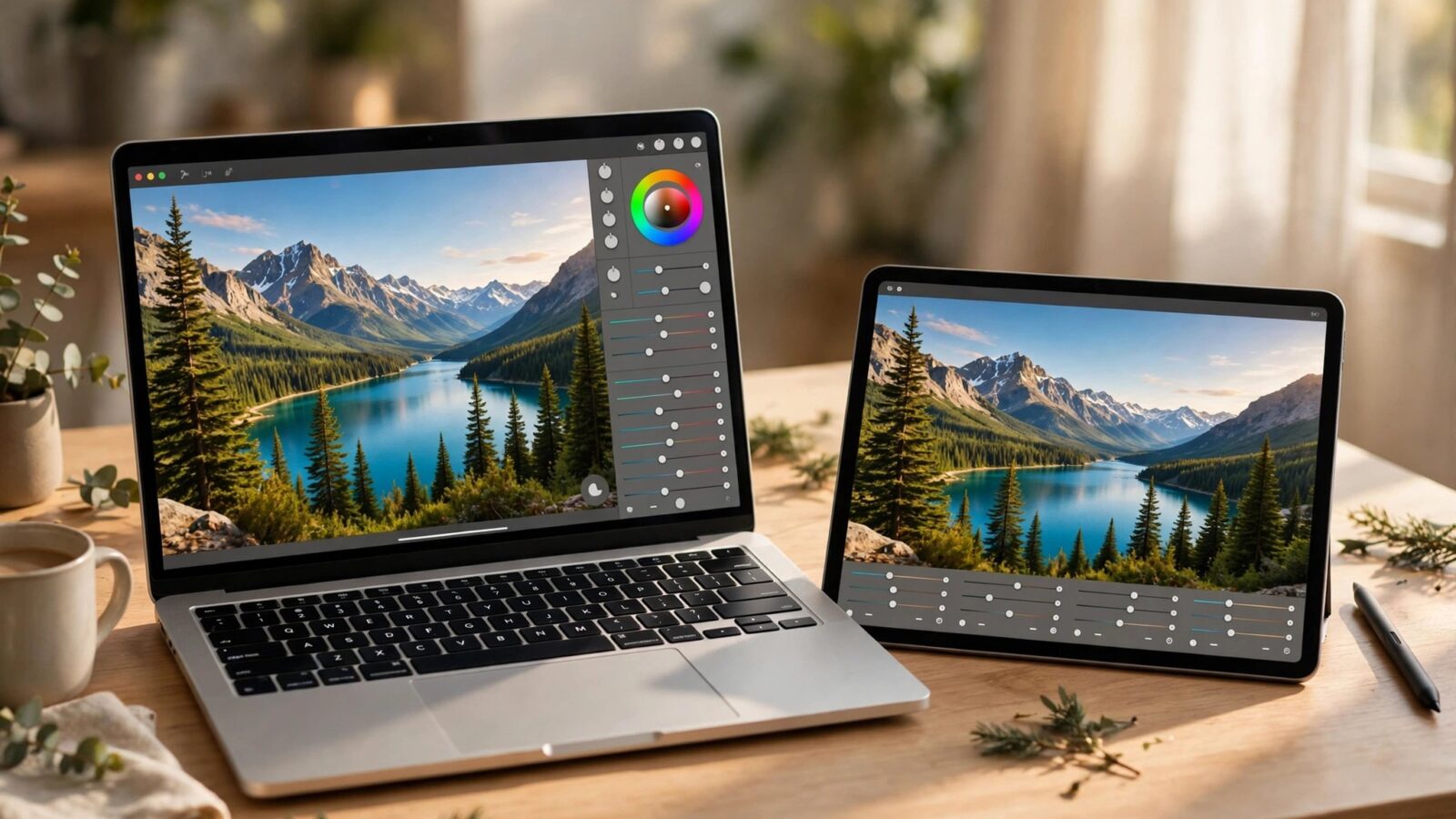
This Photomator for iPhone review looks at the app where most photos now live: in your pocket. On a small screen, editing needs to be fast, forgiving and easy to repeat, and that is where Photomator makes its strongest case for everyday use.
The interface stays calm. The main tools are easy to reach, the photo stays the focus, and adjustments feel direct rather than buried in menus. For quick edits before sharing, that simplicity matters more than having every advanced control on the first screen.
Speed and everyday results
Photomator on iPhone is quick to open, quick to adjust and quick to export. AI Enhance can clean up a flat photo in one step, while simple exposure, colour and crop controls handle most of the rest. The result is usually natural, not over-processed, which suits daily photos.
It also works well for small batches. If you return from a walk or a family outing with a dozen photos, you can bring them to a consistent look without turning the session into a long project.
Editing on a small screen
Precision is the main compromise. Sliders and masks are usable on iPhone, but fine local work is easier on iPad or Mac. For everyday edits, though, the phone is good enough: straighten a horizon, fix colour, lift a shadow and move on.
Zooming in before sharpening or masking helps. It prevents the common phone-editing mistake of adding too much contrast or saturation because the small screen hides the detail.
AI tools, masks and library
AI masking helps you adjust a subject or sky without careful brushing, which is a real advantage on a phone. Denoise and repair tools are useful for older or low-light shots, though heavy repair work still benefits from a larger screen.
Library handling is straightforward for everyday use. You can find recent photos quickly and keep edits organised, and for deeper comparisons see Photomator for iPad review: pros and cons for serious editors and Photomator for Mac review: everyday editing tested.
Who should choose the iPhone version
Photomator for iPhone suits people who shoot, edit and share from one device. It is less suited to long studio sessions or very detailed retouching, where a larger screen and keyboard shortcuts help.
As a daily editor, it is strong. It keeps the workflow short, the results natural and the barrier to finishing a photo very low.
Frequently asked questions
Is Photomator good on iPhone for everyday photos?
Yes, for quick, natural edits it is fast and easy to use, especially for photos you plan to share the same day.
Can I use AI tools on iPhone?
Yes, AI Enhance, masking and related tools are available, though very fine local work is easier on a larger screen.
Does iPhone editing sync with Mac or iPad?
Photomator supports syncing edits across Apple devices, so you can start on iPhone and refine later if needed.
Is the small screen a problem for colour?
It can hide subtle changes, so check important photos at full zoom and avoid pushing saturation too far.
Who should pick iPhone over Mac or iPad?
Anyone who values speed and convenience for everyday photos, rather than long, detailed editing sessions.
For most people, that is the real test of a phone editor. If it helps you finish photos you actually share, rather than collecting unfinished edits, it is doing its job well.