
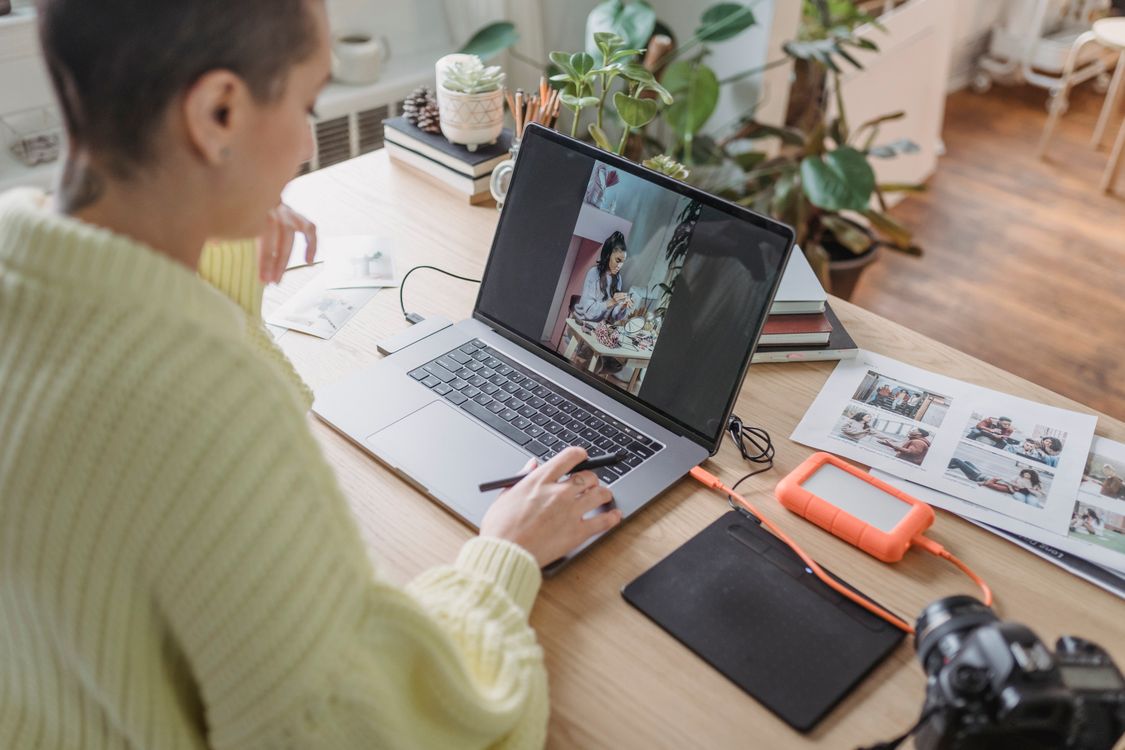
A monthly photo editing habit with Photomator is the simplest way to stop photos piling up. Most people take hundreds of photos a month and edit almost none of them, so the library grows into a backlog that feels too large to start. One short session each month keeps the backlog small and turns editing into a routine rather than a chore.
Pick one session, not a perfect system
Choose a regular time, such as the first Sunday of the month, and keep the session to under an hour. Trying to edit every photo is what makes the habit fail. Instead, aim to finish the month: choose favourites, delete clear duplicates and edit the photos you actually want to share or print.
Start by selecting, not by editing
Selection comes first. Go through the month quickly and mark the photos that matter: birthdays, trips, everyday moments and anything you would miss if it were lost. Delete blurry shots, accidental photos and near-duplicates at this stage. A smaller set is far easier to edit well.
Apply a consistent, natural edit
For a monthly set, consistency matters more than dramatic edits. Use a similar brightness, colour and crop approach across the month, so the set feels like one collection. Save your favourite adjustments as a starting point, then adjust only the photos that need it. This keeps the session fast and the results natural.
For organising the results, how to organize a photo library in Photomator explains a simple library structure. For turning the best photos into a lasting collection, keeping family albums organised with Photomator is a useful next step.
Finish with sharing or printing
End each session by doing something with the finished photos: share a small album, print a few favourites or back them up. A habit that ends with a visible result is much easier to repeat than one that ends with files sitting in an app. Even five shared photos make the session feel worthwhile.
Mistakes that break the habit
- Trying to edit every photo from the month.
- Skipping selection and editing photos in random order.
- Using a different, dramatic style for every photo.
- Leaving finished photos unshared and unbacked up.
A monthly session in five steps
- Set aside under an hour at a regular time.
- Select favourites and delete duplicates.
- Apply a consistent, natural edit.
- Share, print or back up the finished set.
- Note anything to improve next month.
Kept simple, this habit means your photos stay organised all year, and you never face a backlog of thousands again.
Frequently Asked Questions
How long should a monthly editing session take?
Under an hour is enough for most months, if you select first and edit only favourites. Longer sessions tend to be skipped.
What if I missed several months?
Start with the most recent month and work backwards only if you have time. Do not try to catch up on everything at once.
Should I edit on iPhone, iPad or Mac?
Use whichever device you enjoy most. Photomator works across Apple devices, so you can start on one and finish on another.
Do I need presets for a monthly habit?
They help, because a consistent starting point speeds up the session. Keep presets natural, and adjust only photos that need it.
What should I do with finished photos?
Share a small album, print favourites or back them up. A visible result makes the habit much easier to repeat next month.
To make the habit stick, pair it with something you already enjoy, such as a quiet coffee on a Sunday morning. When the session feels pleasant rather than administrative, you are far more likely to repeat it. After a few months, you will have a library that is organised, backed up and genuinely enjoyable to look back through.