
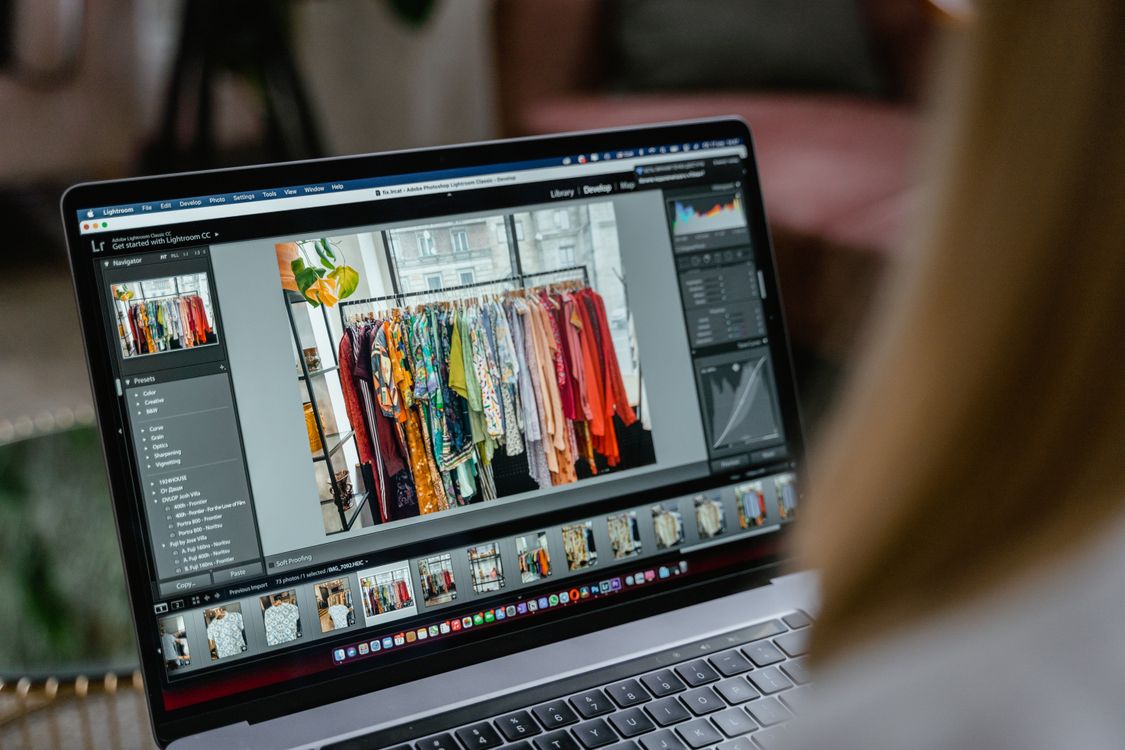
This photo editing guide for portfolio websites in Photomator shows how to turn a mixed set of photos into a clean, professional portfolio. A portfolio is not a backup folder. It is a short, deliberate selection that tells a visitor what you do well, what kind of work you want more of, and whether you can be trusted with a real brief. Editing matters as much as shooting, because inconsistent colour, messy crops and uneven brightness make even strong photos look unfinished.
Choose only your strongest work
Start by cutting ruthlessly. A portfolio with twelve excellent photos is more persuasive than one with forty uneven ones. Remove near-duplicates, keep the version with the best light, expression or composition, and drop any photo that needs an explanation to work. Aim for a range that shows your main strength first, then one or two related strengths, rather than trying to cover every genre you have ever tried.
Check each candidate at full size before it goes near your site. Look for soft focus, distracting backgrounds, awkward crops and colour casts. A photo that looks fine as a phone thumbnail can fall apart on a large screen, and portfolio visitors often view work on laptops. If a photo only works when it is small, leave it out.
Keep colour and tone consistent
Consistency is what makes a portfolio feel designed rather than accidental. Set a simple standard for your edits: similar white balance, similar contrast, similar saturation and a similar approach to skin tones and highlights. You do not need every photo to look identical, but a visitor should not feel a jolt when moving from one image to the next. Working from a saved preset, then refining each photo by hand, is a practical way to keep that balance, and a consistent editing style will also help future work fit the same portfolio without a full re-edit.
Pay special attention to skin tones and whites. Over-saturated skin, grey-looking whites or clipped highlights suggest heavy editing, while natural tones suggest control. When you are unsure, compare the edited photo with the original and ask whether the change improves the subject or only makes the edit more visible. The best portfolio edits usually look almost effortless.
Crop and size for the web
Websites crop photos in ways a phone gallery does not, so prepare for the layout you will actually use. Check how each image behaves in a wide banner, a square grid tile and a vertical detail view, and choose a crop that keeps the subject clear in all of them. Avoid placing key detail right at an edge where a responsive layout might cut it off, and keep a little breathing room around the subject.
Export at a size that stays sharp on large screens without making pages slow to load. Overly large files frustrate visitors and can hurt search visibility, while tiny files look soft when enlarged. The right balance depends on your site theme, so test your exports on a laptop and a phone before publishing, using sensible export settings for web use rather than print-sized files.
Order the portfolio like a story
Order matters almost as much as selection. Open with your strongest, most representative photo, because many visitors decide within seconds whether to keep scrolling. Follow it with work that supports the same message, group similar projects together, and close with another strong image so the visit ends well. Avoid opening with a favourite that does not represent the work you want to attract.
If you serve different clients, consider separate short galleries rather than one long mixed feed. A wedding client and a product client look for different evidence, and a focused gallery makes it easier for each visitor to find relevant work. Keep captions short and honest, naming the type of project rather than overclaiming what was involved.
Export and check before publishing
Before you publish, do a final pass on a different device. Colours shift between screens, so a photo that looked perfect on a Mac may look warm or dark on a phone. Check the whole gallery in order, look for one photo that stands out for the wrong reason, and fix or remove it. That last review is often where a portfolio goes from good to convincing.
Finally, revisit the portfolio every few months. Replace weaker work as you improve, remove projects that no longer reflect the work you want, and keep the total count tight. A portfolio that grows without editing slowly loses its impact, while a regularly pruned one stays current and confident.
Frequently Asked Questions
How many photos should a portfolio website include?
For most photographers, twelve to twenty strong photos are enough. Fewer, better images make a clearer impression than a long archive, and a tight portfolio is easier to keep consistent and up to date.
Should all portfolio photos have the same editing style?
They should feel related, not identical. Keep white balance, contrast and saturation in a similar range, then adjust each photo for its light and subject. A shared feel matters more than a rigid filter applied without thought.
What size should I export portfolio photos at?
Export large enough to stay sharp on a laptop screen, but not so large that pages load slowly. Test on your actual site theme and devices, and prefer web-friendly settings over print-sized files for online galleries.
Can I edit a portfolio entirely in Photomator?
Yes. Photomator covers exposure, colour, cropping, presets and batch-style consistency well enough for most portfolio work. For a full website you will still need a site builder or host, but the photo preparation can be done in Photomator.
How often should I update my portfolio?
Review it every few months, or whenever you finish a project that is stronger than something already shown. Replace the weakest work first, and keep the gallery focused on the work you want next.
A strong portfolio is built by selection as much as by editing. Choose less, edit consistently, check your work on real screens, and let the photos make a clear, confident case for your work.