
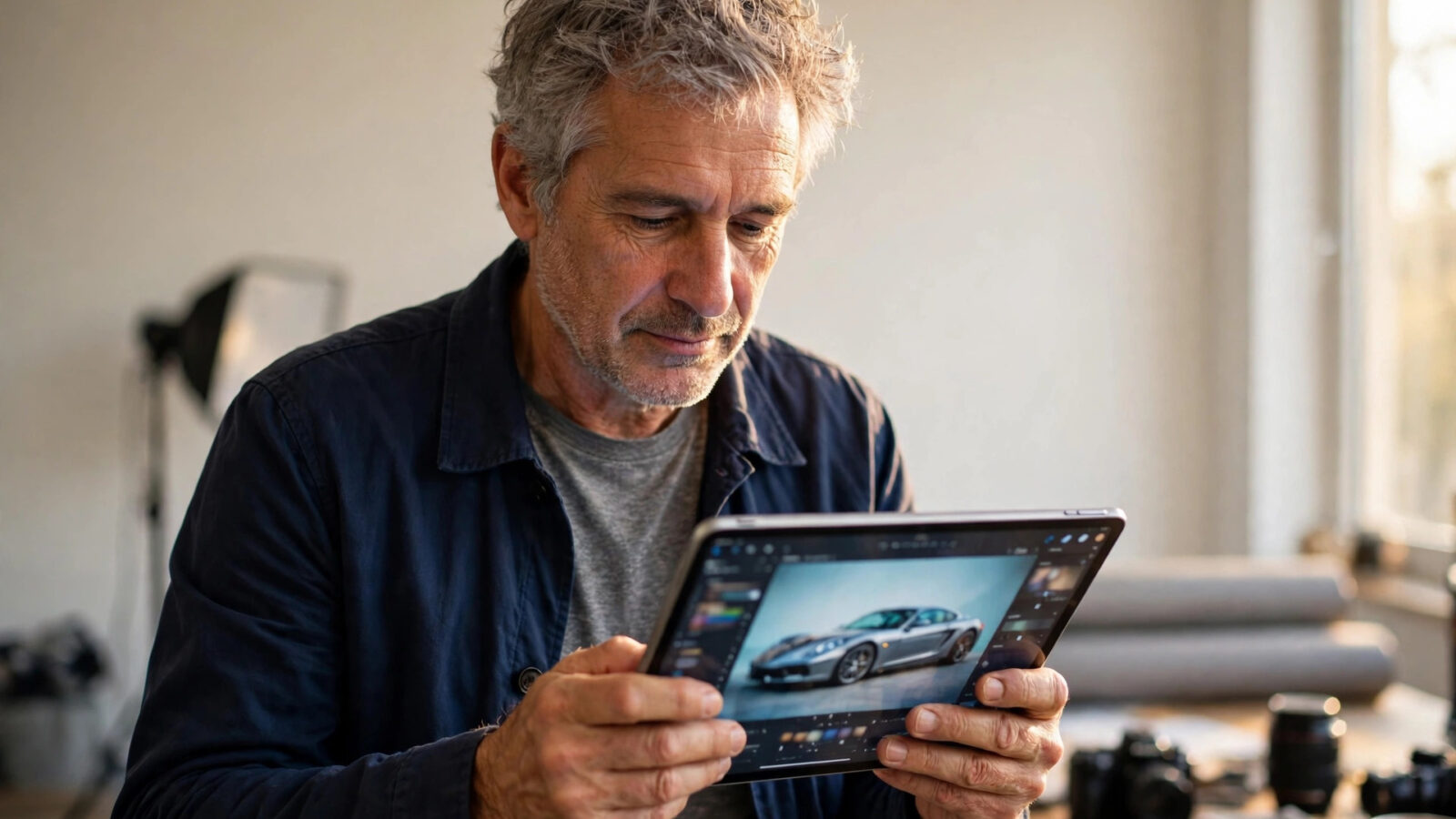
Car photos are unforgiving. Paint shows every reflection, glass shows every smudge, and a dull or uneven edit makes an expensive car look tired. At the same time, car photos need to stay honest, especially for a sale listing, where a buyer must be able to trust what they see. This guide explains how to edit car and automotive photos in Photomator, from a private sale listing to a showroom set, a car meet, or a personal project, with clean paint, balanced reflections and detail that feels real.
Photomator is well suited to automotive editing because its tools handle the specific problems cars present: bright reflections on curved panels, dark interiors, mixed light at a showroom or an evening meet, and backgrounds that distract from the car itself. With careful exposure, colour, masking and cropping, you can make a car look its best without changing what it is.
Shoot and select with the car in mind
Good automotive editing starts with a good angle. Shoot at the car’s height, not from above, with the front three-quarter view as the hero shot, plus side, rear, interior and detail photos. Keep the car clean, remove personal items from the interior, and choose a background that does not compete with the car, such as an open space, a quiet street or a plain wall. Avoid shooting into direct sun, which creates harsh reflections and blown-out panels.
Select a set that covers the car completely and honestly. For a sale, include exterior angles, wheels, interior, dashboard, boot and any imperfections, clearly and fairly. For a personal or showroom set, choose the strongest angles and the best light. Discard blurry or badly exposed frames, and work only with photos that show the car clearly.
Paint, reflections and exposure
Paint is the hardest part of a car photo. A curved panel reflects sky, buildings, trees and the photographer, and a single global adjustment will rarely suit the whole car. In Photomator, start with exposure and highlights. Lower highlights to recover detail in bright reflections, lift shadows gently on dark panels and wheel arches, and use masking to balance one panel without affecting the rest of the car.
Check reflections carefully. A reflection that shows a tree or a building is natural and can add depth, but a reflection that shows the photographer, a bin or a distracting object should be cropped out or reduced with a selective adjustment. Avoid pushing clarity or contrast so far that paint looks metallic and artificial, or that reflections become harsh and distracting. The car should look clean and well lit, not digitally polished beyond recognition.
Colour accuracy for paint and interiors
Colour accuracy is essential for car photos, especially for a sale. A buyer needs to know whether a car is silver, grey, blue or black, and whether the interior is cloth or leather, dark or light. Use white balance to remove a colour cast from shade, showroom lighting or evening light, so paint and interior colours look true. Check the result against the car itself, in daylight if possible.
Keep saturation restrained. A small boost can make paint look rich, but oversaturation will change the car’s colour and mislead a buyer. For interiors, lift shadows gently to show dashboard and seat detail, without making the interior look washed out. Avoid changing the colour of paint, trim or upholstery, and do not hide damage, rust or wear in a sale listing.
Backgrounds, cropping and detail
A car photo should be about the car. Crop to remove distracting background elements, such as other cars, bins, signs or people, while keeping enough context to show scale and setting. Straighten the photo so the car sits level, and keep the horizon straight in outdoor shots. A level, well-cropped car photo feels deliberate and professional.
Detail photos matter. Wheels, headlights, badges, dashboard and seats all tell part of the car’s story, and they should be sharp and well lit. In Photomator, sharpen detail photos gently, and use masking to brighten a dark interior detail without affecting the rest of the photo. For a set, keep a consistent crop and colour approach, so the listing or gallery feels coherent.
Consistency and export for listings
A car listing should look like one car, photographed in one session. In Photomator, edit one hero photo first, save it as a starting preset, and apply that preset across the set, then refine each angle for its own light. Exterior shots in sun and interior shots in shade will need different adjustments, but the overall brightness and colour should feel consistent.
Export at the size and quality the listing platform needs, in a logical order: hero shot first, then exterior angles, interior, details and any imperfections. When you are reading other Photomator guides, you will see the same workflow advice. A clear, honest, well-ordered set builds trust, and trust sells cars.
Frequently asked questions
How do I reduce harsh reflections on car paint?
Lower highlights to recover detail, use masking to balance individual panels, and crop out distracting reflections where possible. Shoot in soft light, such as overcast or open shade, to reduce harsh reflections at the shooting stage.
Should car paint colours be saturated in editing?
Keep saturation restrained so paint looks true to the real car. A small boost can add richness, but oversaturation changes the colour and can mislead a buyer, especially in a sale listing.
How do I edit dark car interiors?
Lift shadows gently to show dashboard and seat detail, use masking to brighten the interior without washing out the exterior, and keep a small amount of denoising if the interior is noisy. Avoid making the interior look unnaturally bright.
Can I batch edit a car listing in Photomator?
Yes. Edit a hero photo, save it as a starting preset, apply it across the set, and then refine each angle for its own light. Keep the overall brightness and colour consistent across the listing.
Should I hide damage in car sale photos?
No. Show imperfections clearly and fairly in a sale listing. Honest photos build trust with buyers and avoid problems at viewing, while good editing can still make the car look clean and well presented.