
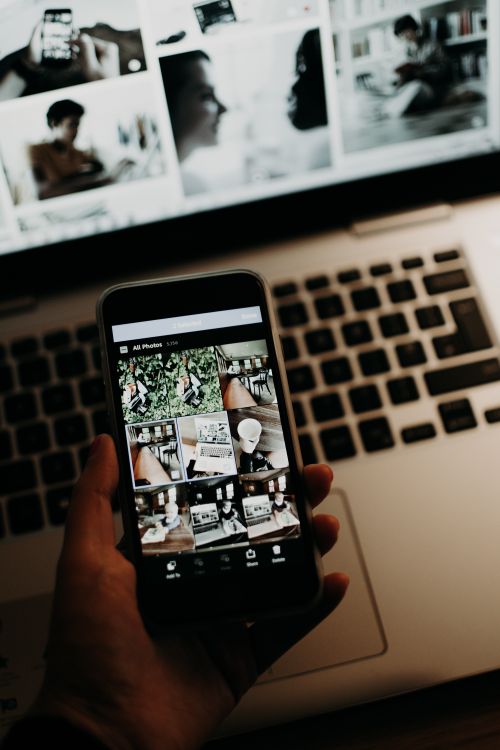
The mobile photo editing trends shaping 2026 show a clear direction: phones and tablets are no longer just a place to make quick fixes before moving to a computer. For many photographers, the mobile device is now the main editing screen, and the tools, formats and habits around it are changing fast.
Here is what is actually changing, and how to make the most of it in Photomator.
Editing Starts on the Phone, and Often Stays There
More photos are shot, edited and shared without ever reaching a desktop. That has pushed mobile editors toward fuller toolsets: RAW support, local adjustments, curves and careful color tools that used to be desktop-only. The trend is not about replacing the Mac, but about removing the need to wait for it.
The practical lesson is to build a mobile workflow you trust. Learn the tools on your phone or iPad properly, rather than treating mobile edits as drafts, and you will deliver faster without a drop in quality.
RAW on Mobile Is Becoming Normal
RAW capture and editing on mobile devices is moving from a specialist feature to an everyday option. Photographers now expect to recover highlights, fix white balance and shape tone from a phone-shot RAW file with the same confidence they once reserved for a camera file.
If you shoot RAW on a phone, keep an eye on storage and backup. RAW files are large, and a mobile-first workflow needs the same discipline as a desktop one: select early, back up regularly, and keep originals safe.
Short-Form and Social Formats Drive Editing Choices
Vertical formats, stories and short-form video stills are shaping how photos are cropped and graded. Editors are thinking about the final frame earlier: a photo that will be seen at phone size needs stronger, simpler composition and color that survives compression.
That does not mean every photo should be edited for social media, but it does mean checking your edit at the size and format where it will be seen. A subtle grade that looks beautiful on a large screen can disappear entirely on a phone feed.
AI Assistance, With a Human Finish
Mobile editing is also where AI assistance is most visible: automatic enhancement, smart subject selection and one-tap cleanups. The trend worth following is the same one seen in desktop AI: use AI for a fast, consistent starting point, then finish by hand. Mobile screens make it easy to overdo an effect, so zoom in and check skin, skies and detail before sharing.
For a related look at how AI is changing editing more broadly, see AI photo editing trends photographers should know in 2026.
Syncing Between Phone, Tablet and Mac
The strongest mobile trend of all may be the least flashy: seamless syncing. Edits started on a phone continue on an iPad and finish on a Mac without export round-trips or lost adjustments. That continuity is what makes a mobile-first workflow viable for serious work, not just for casual sharing.
To keep that workflow smooth, keep your library organized and your edits non-destructive, so any photo can be revisited on any device. For the details, see how to sync Photomator edits across Apple devices.
What This Means for Your Workflow
Mobile editing in 2026 rewards photographers who treat the phone as a real editing tool: shoot RAW when it matters, edit with intent, check at final size, and keep the library in sync. The tools are ready; the advantage goes to photographers who build a deliberate mobile routine instead of editing on the fly.
Conclusion
Mobile photo editing is no longer a compromise. With RAW support, stronger tools, AI assistance and reliable syncing, a phone or tablet can carry a professional workflow from capture to delivery. Use those trends deliberately, and mobile editing becomes a strength rather than a shortcut.
Frequently Asked Questions
Can mobile editing really match desktop quality?
For most delivered work, yes, especially with RAW files and careful checking at full size. Desktop editing still helps for large prints and complex composites, but mobile quality is now strong for sharing, client delivery and publication online.
Should I edit on my phone or my iPad?
Use the phone for selection and fast edits, and the iPad for closer work on color and local adjustments. With syncing, you can move between them without losing edits.
Does mobile editing change how I should shoot?
It rewards shooting RAW when light is tricky, keeping compositions simple for small screens, and checking exposure carefully, since phone screens can hide clipping in bright light.
How do I keep mobile edits consistent?
Use saved presets and a consistent starting point, check edits at final size, and sync across devices so the same look carries from phone to tablet to Mac.