
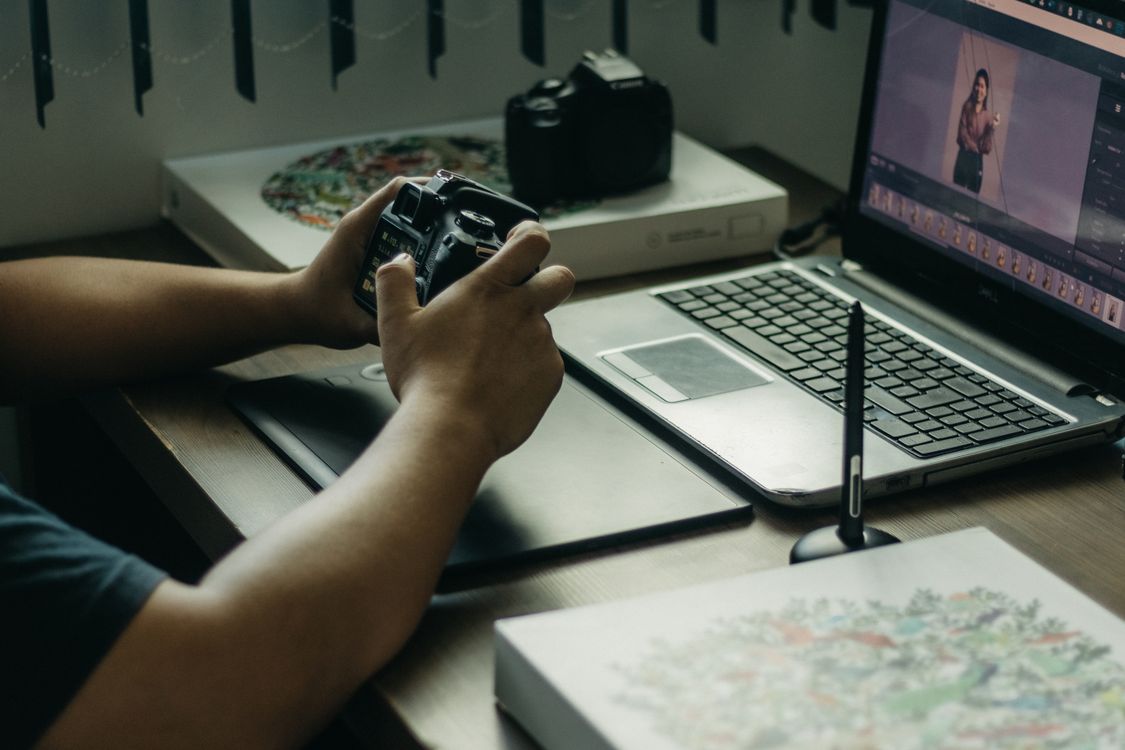
AI-assisted photo selection trends in Photomator are changing the slowest part of editing: choosing which photos deserve attention. Instead of scrolling through hundreds of near-identical shots, photographers are letting smart tools surface likely favourites, then making the final choice themselves. That balance keeps editing faster without handing taste over to an algorithm.
From endless scrolling to shortlists
The core idea is simple. AI can flag photos that are sharp, well exposed and free of obvious problems, and group similar shots so you compare only the best versions. That shortlist is especially useful after holidays, events and family sessions, where a burst of photos can hide the strongest moment.
It works best when you set a clear purpose first. Are you choosing photos for an album, a print, a social post or a client set? Each purpose favours different qualities: expression for portraits, moment for events and detail for landscapes. A shortlist without a purpose can still leave you with too many good options.
Keep the human decision last
The most useful trend is human-in-the-loop selection. AI narrows the field, but the photographer still chooses the final set based on story, emotion and context that a tool cannot fully understand. A technically imperfect photo may be the right choice if it captures a genuine laugh, a meaningful place or a moment that will not repeat.
A practical workflow is to accept or reject the shortlist quickly, then review only the borderline cases in detail. If you find yourself re-checking every rejected photo, the shortlist is not saving time. Trust the first pass for obvious duplicates and poor shots, and spend your attention on the photos that could genuinely make the final set.
Organise before you edit
Selection also improves organisation. Once favourites are chosen, it is easier to keep a library tidy and avoid editing the same photo twice. How to organize a photo library in Photomator offers a simple structure for favourites, albums and long-term storage.
After selection, batch work becomes more efficient too. Editing a smaller, stronger set means more consistent colour and less time spent on photos that will never be shared. How to batch edit photos in Photomator and keep quality high explains how to apply consistent adjustments without losing the character of individual shots.
Watch for selection bias
One caution is worth keeping in mind. Tools tend to favour sharp, bright and conventionally composed photos, which can push quieter or more unusual images aside. If you always accept the same kind of shot, your albums may start to look alike. Deliberately keep one or two unexpected photos in each set, especially when the story matters more than technical perfection.
Frequently Asked Questions
What is AI-assisted photo selection?
It is a workflow where smart tools shortlist sharp, well-exposed and promising photos, while the photographer still makes the final selection.
Will AI choose the wrong photos?
It can miss emotional or unusual shots, so review borderline photos yourself and do not treat a shortlist as a final decision.
How much time does it save?
It saves most time with large sets of similar photos, by removing obvious duplicates and poor shots before detailed editing begins.
Should I delete photos AI rejects?
Not immediately. Keep rejected photos until the final set is exported, in case a rejected shot later proves useful for a different purpose.
Does selection replace editing?
No. Selection only decides which photos to edit. Exposure, colour and cropping still need your judgement for each chosen photo.
AI-assisted selection works best as a first pass, not a final verdict. Let it clear the clutter, then choose with story and feeling in mind.