
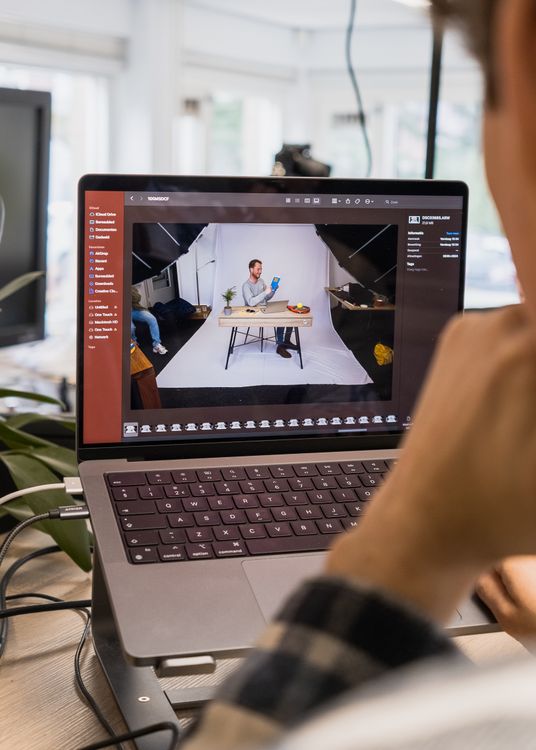
This Photomator review for hobby photographers is written for people who love taking photos but do not want editing to feel like homework. Hobby photography should stay enjoyable, and Photomator fits that idea well: it is quick to learn, forgiving when you experiment, and strong enough to turn ordinary phone or camera photos into images you are proud to share.
Easy to start, easy to enjoy
The best hobby editor is one you actually open. Photomator’s clean layout, presets and one-tap improvements make it easy to start with a single photo and see a better version in minutes. How to use AI Enhance in Photomator for cleaner, more natural photos shows how a gentle automatic improvement can be a good starting point, especially when you are still learning what each slider does.
Room to grow without pressure
Hobby photographers often grow gradually. One month you may only crop and brighten photos; later you may enjoy colour grading, selective edits or a consistent style. Photomator supports that journey without forcing you into advanced tools on day one. Photomator presets are a useful bridge: try a look, adjust it to taste, and save your own version when you find something you like.
What hobby photographers should know
Photomator is made for Apple devices, so it is not the right choice if your main editing device is Windows or Android. It also focuses on photo editing rather than graphic design, video or heavy compositing. Within those limits, it is an excellent hobby companion: affordable in feel, fast in use and kind to beginners who want better photos without a steep learning curve.
For hobby photographers, the verdict is simple. If you want an editor that respects your time, keeps your photos natural and grows with your confidence, Photomator is well worth trying.
Frequently Asked Questions
Is Photomator good for hobby photographers?
Yes. It is easy to learn, quick to use and produces natural results, which makes it ideal for everyday hobby photography.
Do I need experience to use Photomator?
No. Presets and automatic tools give you a good starting point, and you can learn manual controls gradually at your own pace.
Can hobby photographers learn editing with Photomator?
Yes. Because changes are visible instantly and easy to undo, it is a friendly way to learn exposure, colour and cropping.
Does Photomator work on iPhone and iPad?
Yes. It is designed for Apple devices, so iPhone is great for quick edits and iPad gives more room for careful work.
Is Photomator worth it for occasional use?
For most hobby photographers, yes, because it removes the friction that stops people editing at all. A photo edited in five minutes is better than a perfect edit that never happens.
A simple hobby routine helps even more. Pick a small number of photos to edit after a walk or a family day, rather than trying to finish an entire library at once. Edit the strongest images first, share them while the moment is fresh, and leave the rest for another time. That habit keeps photography fun and stops editing from turning into a chore.
It also helps to compare before and after versions before you export. Look for natural skin, believable colour and details that still feel sharp. If an edit looks obvious, pull it back a little. Hobby photography is at its best when the photo still feels like the day you remember.
Finally, keep a favourite photo from each outing in a small album you revisit often. Seeing your progress over months is more motivating than any tutorial, and it shows how much a simple, natural edit can change a photo.