
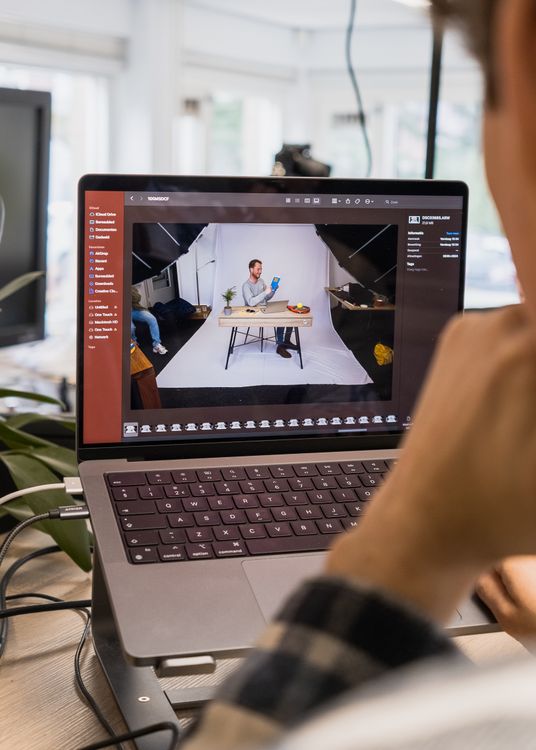
A Photomator photo editing routine for busy parents does not need to be long or complicated. The hardest part of family photo editing is not the editing itself, it is finding a system that survives school runs, work, cooking and bedtime. A short, repeatable routine turns a growing camera roll into a tidy family album, one small session at a time.
Start with capture, not editing
A good routine starts before you open any editor. Take a few seconds to check light and framing, and delete obvious duplicates at the end of the day. Removing blurry or repeated shots early saves far more time than any editing trick later. You do not need to sort everything perfectly; just clear the worst clutter so the good photos are easy to find.
Use two short sessions each week
Two sessions of about fifteen minutes are easier to keep than one long weekend session that never happens. In the first session, pick the best photos from the week and apply a simple, consistent edit for exposure and colour. In the second, review those picks, fix any that still look off, and share or file the finished set. Short sessions also keep the work enjoyable, which is what makes a routine last.
Keep one consistent family look
Family albums look best when photos share a similar brightness and colour feel, even if they were taken in different rooms or at different times of day. Choose a gentle, natural style and use it as your default, rather than trying a new filter for every photo. Children grow quickly, so a consistent look also helps photos from different years sit well together.
For keeping those finished photos organised, see keeping family albums organised with Photomator. For the wider habit of sorting a growing library, how to organize a photo library in Photomator has practical steps that fit a busy schedule.
Edit for the people in the photo
When time is short, focus on what matters in a family photo: faces, skin tone and the moment itself. Brighten faces gently, keep skin natural, and avoid heavy smoothing or oversaturation. A photo that looks like your family on a good day is better than a heavily processed one that looks like someone else.
Mistakes that break a family routine
- Trying to edit every photo, instead of picking the best few.
- Waiting for a free weekend that never arrives.
- Using a different style for every photo, so albums feel scattered.
- Keeping every duplicate and blurry shot, which makes sorting feel endless.
A simple weekly routine
- Delete obvious duplicates and blurry shots.
- Pick ten to twenty favourites from the week.
- Apply a consistent, natural edit to those favourites.
- Share or file the finished photos in one album.
- Leave the rest untouched until next week.
Followed week after week, this routine builds a family record you will actually enjoy looking back on, without turning photo editing into another job.
Frequently Asked Questions
How much time does a family photo routine need?
About thirty minutes a week is enough for most families, split into two short sessions. The key is regularity, not long sessions.
Should I edit every family photo?
No. Pick the best photos and edit those well. Trying to edit everything leads to backlog and burnout.
What style works best for family albums?
A gentle, natural style with balanced brightness and colour. It suits different rooms, seasons and ages, and it ages well.
How do I keep photos organised as a busy parent?
Use one album per month or per event, delete duplicates early, and file finished photos immediately after editing. Small, regular sorting beats large clean-ups.
Can I edit family photos on my phone?
Yes. Phone editing is ideal for a short routine, because you can pick and edit photos during small gaps in the day, then share them straight away.