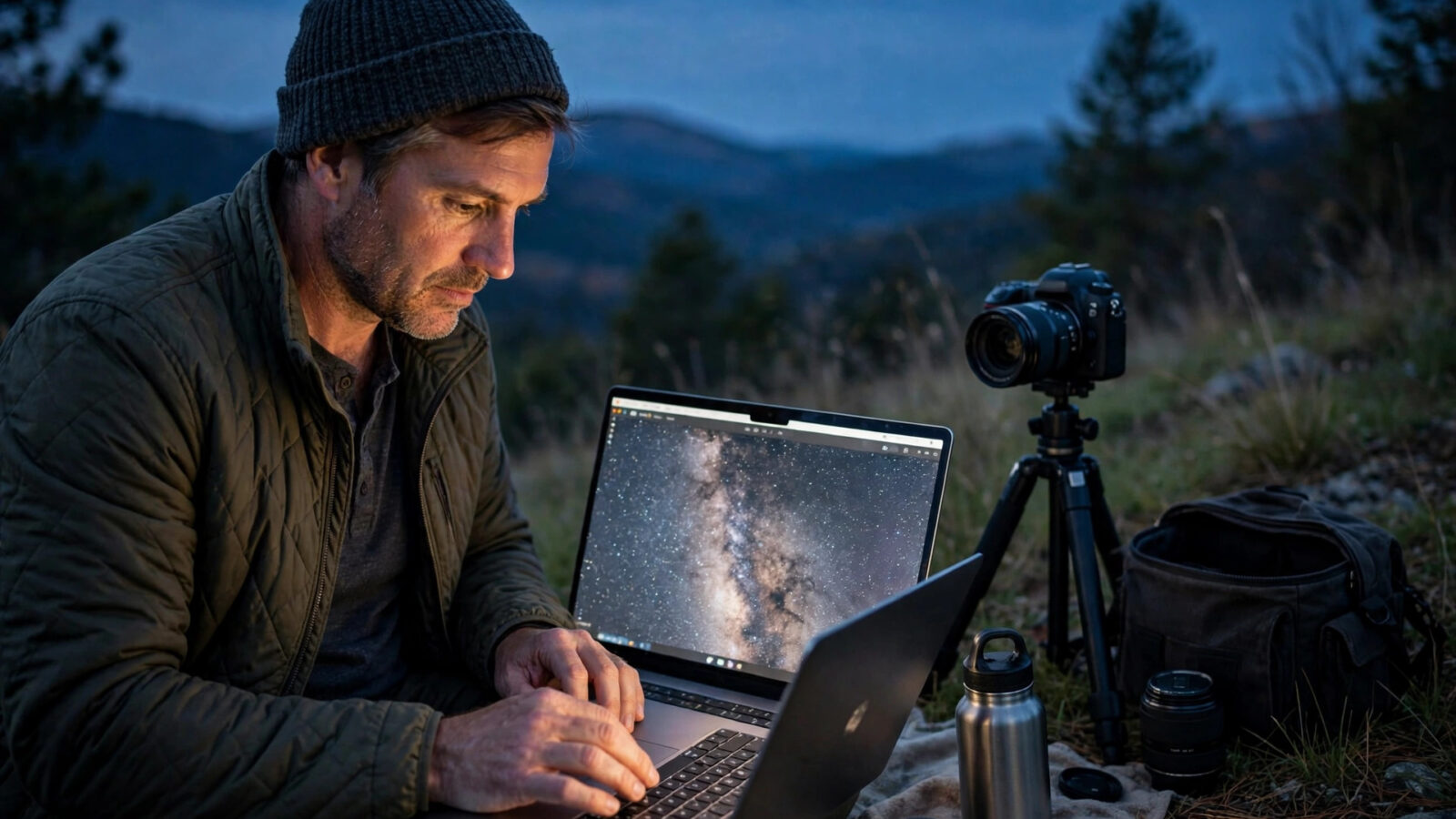
Night sky photography asks a lot of a photo editor. The subject is dark, the detail is faint, and small changes to light and color can make the difference between a sky that feels vast and one that feels flat. An astrophotographer needs an editor that respects faint detail, handles noise carefully, and keeps the original file available for later refinement.
This review looks at Photomator for astrophotographers using only the features evidenced on the Photomator homepage. It considers night skies, Denoise, and RAW editing on iPhone and Mac, and it is honest about limits. It does not claim test results, measurements, or performance figures that are not evidenced on the site. Instead, it asks whether the evidenced workflow fits the way night sky photos are actually edited.
What Astrophotographers Need From an Editor
A night sky photo is usually edited in a particular order. The photographer recovers faint detail in the sky, balances the brightness of stars and the Milky Way against a dark foreground, controls color so the sky does not develop an unnatural tint, and reduces noise without smoothing away stars. Each step depends on the one before it, and a change that helps the sky can easily hurt the foreground if it is applied too broadly.
The editor also needs to handle the files astrophotographers actually use. RAW files, including Apple ProRAW, carry more information for highlight and shadow recovery than a processed file, and the homepage describes RAW editing as working with supported RAW formats and Apple ProRAW using the same adjustment workflow. That consistency matters at night, when the difference between a usable sky and a lost one can come down to a small amount of recovered detail.
Night Skies: Detail, Balance, and Restraint
The first test for any night sky edit is whether faint detail survives. Stars are small and bright, the Milky Way is a broad, soft structure, and the foreground is often a silhouette or a dimly lit landscape. A good edit keeps those layers distinct. The sky should not be pushed so bright that it loses depth, and the foreground should not be lifted so far that it looks like daylight.
Selective editing is useful here, because the sky and the foreground rarely need the same treatment. The homepage workflow lists subject, sky, background, brush, and gradient selections for local corrections, and a sky selection can direct an adjustment to the sky without changing the foreground in the same way. Used with restraint, that separation helps the photo keep its natural layering: a detailed sky above a quiet foreground.
Denoise: Cleaner Skies Without Losing Stars
Noise is a constant companion in night photography. High sensitivity, long exposures, and dark skies all contribute to grain and artifacts, and Denoise is described on the homepage as reducing camera noise and compression artifacts when a cleaner image is needed. For astrophotographers, the key question is not whether noise can be reduced, but whether stars survive the reduction.
The safest approach is to apply Denoise only when the image benefits, as the homepage workflow recommends for Denoise, Smart Deband, and Super Resolution. Check the result closely at a larger view, looking for stars that have become soft or have disappeared, and for smooth areas of sky that have developed an unnatural texture. A small improvement that preserves stars is better than a dramatic cleanup that removes them. If in doubt, use less and review again.
RAW Editing on iPhone and Mac
Photomator is designed for Apple platforms, and the homepage compatibility section lists Mac, iPhone, iPad, and Apple Vision, with no Windows or Android version listed. For astrophotographers, that platform picture has practical consequences. A Mac offers a larger screen for inspecting faint detail and for judging selective edits, while an iPhone offers the ability to review and adjust a night photo soon after it is taken, in the field or on the way home.
The RAW workflow is described as the same adjustment workflow across supported RAW formats and Apple ProRAW. That consistency is helpful when a photo is started on one device and refined on another, because the photographer can focus on the edit rather than relearning the workflow. It is still wise to do the final review on the largest available screen, where faint stars and subtle color shifts are easiest to judge.
- Mac: a larger screen for close inspection of stars, detail, and selective edges.
- iPhone: a portable way to review and adjust a night photo soon after capture.
- RAW and Apple ProRAW: the same adjustment workflow, with more information for recovery.
- Nondestructive editing: the ability to revisit and refine decisions later.
A Night Sky Editing Workflow
- Open the RAW photo and look at the sky and foreground before making changes. Note where faint detail lives and where the foreground needs to stay quiet.
- Correct lighting and exposure gently, recovering highlight and shadow detail without making the night look like day.
- Adjust color with care, checking that the sky does not develop an unnatural tint and that neutrals in the foreground stay believable.
- Use a sky selection for sky-specific refinements, keeping the foreground separate, and check the transition at a larger view.
- Apply Denoise only if the image benefits, and inspect stars closely afterward to confirm they have not been smoothed away.
- Review the whole photo at a normal viewing size, then save or export a finished version and check the exported file.
Honest Limits and Considerations
Photomator is a photo-first editor built around image adjustment rather than graphic design, as the homepage overview puts it, and it is not a catalog-based photo manager. For astrophotographers who manage large libraries or who need layered compositing, that distinction matters. The review must also be clear about what is not evidenced: the homepage does not provide test results for night sky performance, and this review does not invent them.
Other limits are practical. A small phone screen makes it harder to judge faint detail, so field edits should be treated as drafts to be reviewed later. Strong adjustments can easily overwhelm a dark photo, so restraint matters more at night than in daylight. And no editor can recover detail that was not captured in the first place, so careful capture remains the foundation of a good night sky photo.
Frequently Asked Questions
Is Photomator suitable for astrophotography?
For the editing tasks evidenced on the homepage, it offers a relevant combination: RAW and Apple ProRAW editing, nondestructive refinement, selective edits for the sky, and Denoise for cleaner results. Whether it suits a particular astrophotographer depends on their library needs, devices, and editing style.
How should Denoise be used on night sky photos?
Apply Denoise only when the image benefits, and inspect stars closely afterward. A small improvement that preserves stars is better than a strong cleanup that smooths them away, so use restraint and check the result at a larger view.
Can I edit RAW night photos on iPhone and Mac?
The homepage describes working with supported RAW formats and Apple ProRAW using the same adjustment workflow, and lists Mac, iPhone, iPad, and Apple Vision as the supported Apple platforms. A final review on the largest available screen is still wise for faint detail.
Should the sky and foreground be edited separately?
Often, yes. The sky and foreground usually need different treatment, and a sky selection can direct an adjustment to the sky without changing the foreground in the same way. Check the transition carefully so the layers still belong to the same scene.
What should I check before sharing a night sky photo?
Check faint detail, star sharpness, color in the sky, the balance between sky and foreground, and the exported file itself. A photo that looks good on a phone screen should also hold up when viewed larger, where faint detail is easier to judge.
Conclusion
For astrophotographers, Photomator offers an evidenced workflow that fits the core tasks of night sky editing: RAW handling, nondestructive refinement, selective sky work, and careful Denoise. Its limits are equally clear: it is an Apple-platform, photo-first editor, not a catalog manager or a compositing tool, and it rewards restraint and a careful final review. Judged on that basis, it is a credible option for night sky work, provided the photographer edits with the patience that faint detail demands. You can learn more about Photomator on the Photomator homepage.