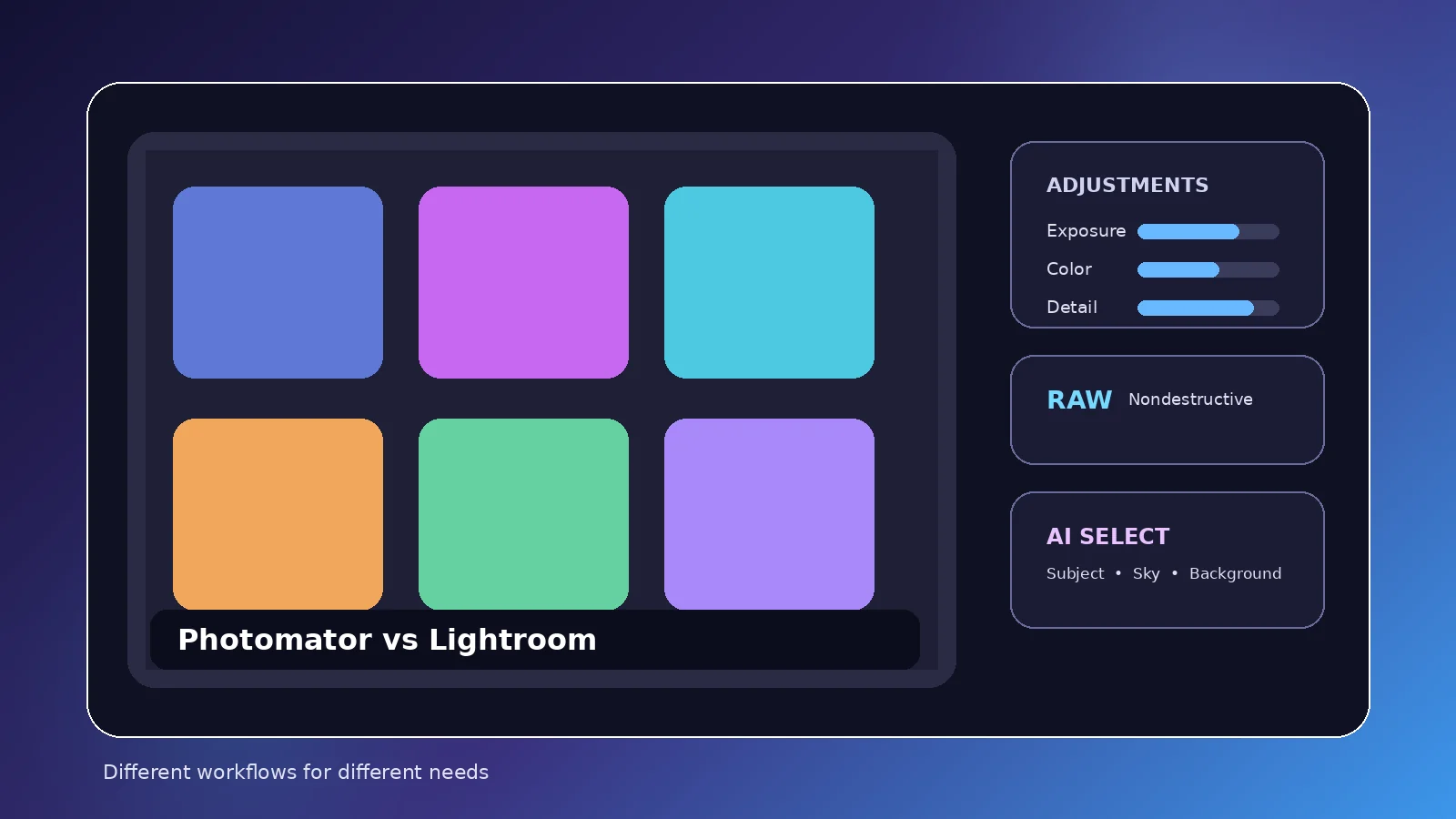
Photomator and Lightroom overlap in photo editing, yet they are built around different priorities. Comparing them is most useful when you separate editing controls from catalog management, device support, mobile workflow, cloud behavior, and the way each product is purchased.
The biggest difference is workflow
Photomator is tightly focused on editing photographs across Apple devices. Lightroom combines editing with a broader catalog and cloud-oriented photo-management system. Both can handle serious photo adjustments, but the way you organize and move through a library differs.
The “better” choice depends less on a single adjustment slider and more on how you want images stored, organized, synchronized, and delivered.
Platforms
Photomator currently targets Apple platforms: Mac, iPhone, iPad, and Apple Vision. Lightroom is available across a wider range of desktop and mobile platforms, including Windows and Android in current Adobe offerings.
If you regularly switch between Apple and non-Apple hardware, that platform difference can decide the comparison before feature details matter.
RAW editing
Both products support RAW-oriented editing with exposure, color, tonal, and local-adjustment tools. Exact camera support changes over time, so photographers using a newly released camera should verify compatibility with their specific files.
Photomator’s current App Store descriptions emphasize nondestructive color work, automatic selections, batch editing, Repair/Clone, Denoise, and Super Resolution.
Organization and libraries
Lightroom’s catalog/cloud-library model is a central part of its identity. Photomator can work closely with Apple Photos and file-based locations, which may feel simpler if those systems already match your workflow.
Photographers with large, metadata-heavy archives should think carefully about organization before switching tools. Editing capability is only half of a long-term photo workflow.
Mobile and Mac use
Photomator is appealing if Mac, iPhone, and iPad are already your main devices and you want an interface built around Apple’s ecosystem. Lightroom can be attractive if you want a similar library and editing concept across more operating systems.
Pricing model
Photomator may offer subscriptions and a lifetime license, with availability and pricing varying by region and over time. Adobe Lightroom is generally sold through subscription plans. Always compare the current total cost in your own region rather than relying on an old screenshot or review.
Who should choose which
Choose Photomator if you want a focused Apple-centric photo editor, value Photos/file workflows, and do not need Windows or Android. Choose Lightroom if cross-platform access, its catalog approach, or integration with Adobe’s broader photography ecosystem is central to your work.
There is no universal winner. Test each application with a representative set of your own RAW files and your normal export workflow before committing.
Practical checklist
- Compare device support first
- Test your actual RAW files
- Compare library/organization workflows
- Price the current regional plans
- Run the same import-edit-export task in both apps
Bottom line
Compare Photomator and Lightroom around the decisions that matter most: editing style, library management, devices, and purchasing model. The most reliable approach is to test the feature with your own images, keep edits nondestructive where possible, and review the final export at the size and device where it will actually be used.