Quick edits on iPad should be quick. You open a photo, fix the light and colour, crop, and share, ideally in a couple of minutes. Pixlr and Photomator both promise that kind of speed, but they approach it differently. Pixlr is a browser-based and mobile editor built around fast, accessible adjustments, filters and design elements. Photomator is a native iPad app built around photographic editing, with a touch-first interface, RAW support, masking and batch tools. This comparison looks at which approach actually saves time on iPad, and which one leaves you with a better photo.
The difference matters because quick does not always mean good. A fast filter can make a photo look finished in seconds, but it can also flatten skin tones, oversaturate colour or lose detail. A photographic editor that is also fast gives you a quick starting point and the control to fix what the quick fix gets wrong. For iPad editing, that balance is the key question.
Speed on iPad
Pixlr is designed for immediate access. Because it runs in a browser, you can open it on iPad without installing a large app, choose a photo, and apply adjustments, filters and effects quickly. That low barrier is useful for a one-off edit, for a shared iPad, or for a photo you need to finish in a hurry. The workspace is organised around getting a visible result fast, with templates and effects close at hand.
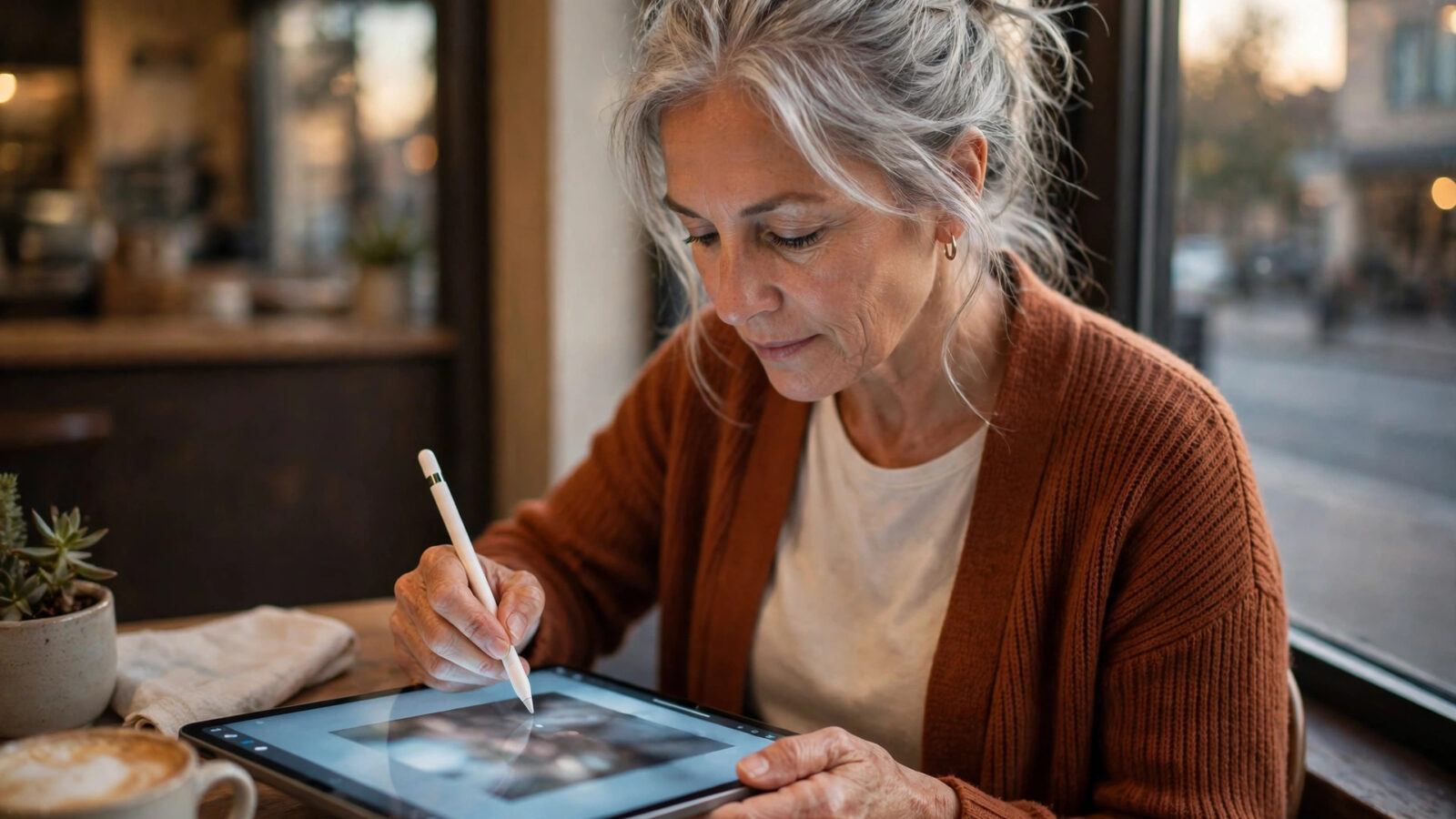
Photomator is designed for speed through focus. Its iPad interface is built for touch, with the photographic adjustments you use most close at hand, and with automatic enhancement as a starting point. A quick edit in Photomator is also fast: enhance, adjust exposure and colour, crop, export. The difference is that the quick edit is photographic, not filter-led, so the result usually looks more natural, and you can refine it without starting again.
Photographic quality and control
Photomator’s strength on iPad is photographic control. Exposure, white balance, curves, colour grading, sharpening, denoising and lens correction are all available with fine adjustment, and masking lets you adjust part of a photo, such as a face or a sky, without affecting the rest. Edits are non-destructive, so you can revisit them, and RAW files keep more detail for highlight and shadow recovery. That control matters when a photo is taken in difficult light, or when you want a consistent look across a set.
Pixlr’s strength is accessible, quick adjustments and creative effects. Filters, overlays and design elements can transform a photo quickly, and for a social post that needs a bold look, that can be exactly what you want. For a photographic edit that needs subtle, accurate adjustment, a browser-based quick editor can feel less precise, especially on a touch screen where small sliders and panels can be harder to control than a native app designed for iPad.
Working with a library, Apple Photos and offline use
Photomator works with Apple Photos and offers the same photographic editing on Mac, iPhone, iPad and Vision Pro. On iPad, that means you can edit photos from your library, continue an edit on Mac, and keep a consistent workflow across devices. Because it is installed on the device, you can edit offline, which matters on location or with unreliable internet.
Pixlr’s browser-based approach means you can open it on many devices, but it also means your workflow depends on the browser and the connection. Importing and exporting through a browser can be slower for larger files, and working with a large Apple Photos library is less direct than in a native app. For a single quick edit, that may not matter. For regular iPad editing, a native library workflow is usually smoother.
Quick edits that stay consistent
Consistency is where a photographic editor earns its place. Photomator presets and batch editing let you apply the same starting look to a set of iPad photos, then adjust each one individually. That is useful for a holiday set, a family event or a series of product photos, where a consistent look matters more than a single striking filter.
Pixlr filters can also give a consistent look, but they are more likely to be applied as a fixed effect, with less room for the subtle, photo-by-photo refinement that keeps skin tones natural and detail intact. If you edit single photos for social media, either approach can work. If you edit sets, a photographic workflow with presets and batch tools will usually save time in the long run.
Which should you choose?
Choose Photomator if you edit photos regularly on iPad and you want quick edits that are also photographic: natural colour, good detail, RAW support, masking, batch editing and a native touch interface, with continuity across Mac, iPhone and iPad. It is the better fit for photographers who want speed and quality together.
Choose Pixlr if you need a quick, browser-based edit on a shared or borrowed device, or a fast creative effect for a single social photo, and you do not need a deep photographic workflow. Some people use both, Pixlr for a fast one-off effect and Photomator for regular iPad editing. When you are reading other Photomator comparisons, you will see the same advice. The fastest edit is the one that gives you a photo you are happy to share, without needing to redo it.
Frequently asked questions
Is Pixlr faster than Photomator for a quick iPad edit?
For a single filter-led edit in a browser, Pixlr can be very fast. For a photographic edit that needs to look natural and consistent, Photomator’s native iPad workflow is usually just as fast and gives more control.
Does Photomator work offline on iPad?
Yes. Photomator is installed on your iPad, so you can edit without an internet connection, with photos staying in your own library unless you choose to share them.
Can Photomator edit RAW photos on iPad?
Yes. Photomator supports RAW editing with non-destructive adjustments on iPad, which gives more room to recover highlight and shadow detail.
Is Photomator designed for touch on iPad?
Yes. Photomator’s iPad interface is built for touch, with photographic controls organised for use on a tablet, and the same editing experience across Mac, iPhone, iPad and Vision Pro.
Can I use both Pixlr and Photomator?
Yes. Use Photomator for regular photographic editing on iPad, and a browser editor such as Pixlr for occasional quick effects or edits on a device without installed software.