
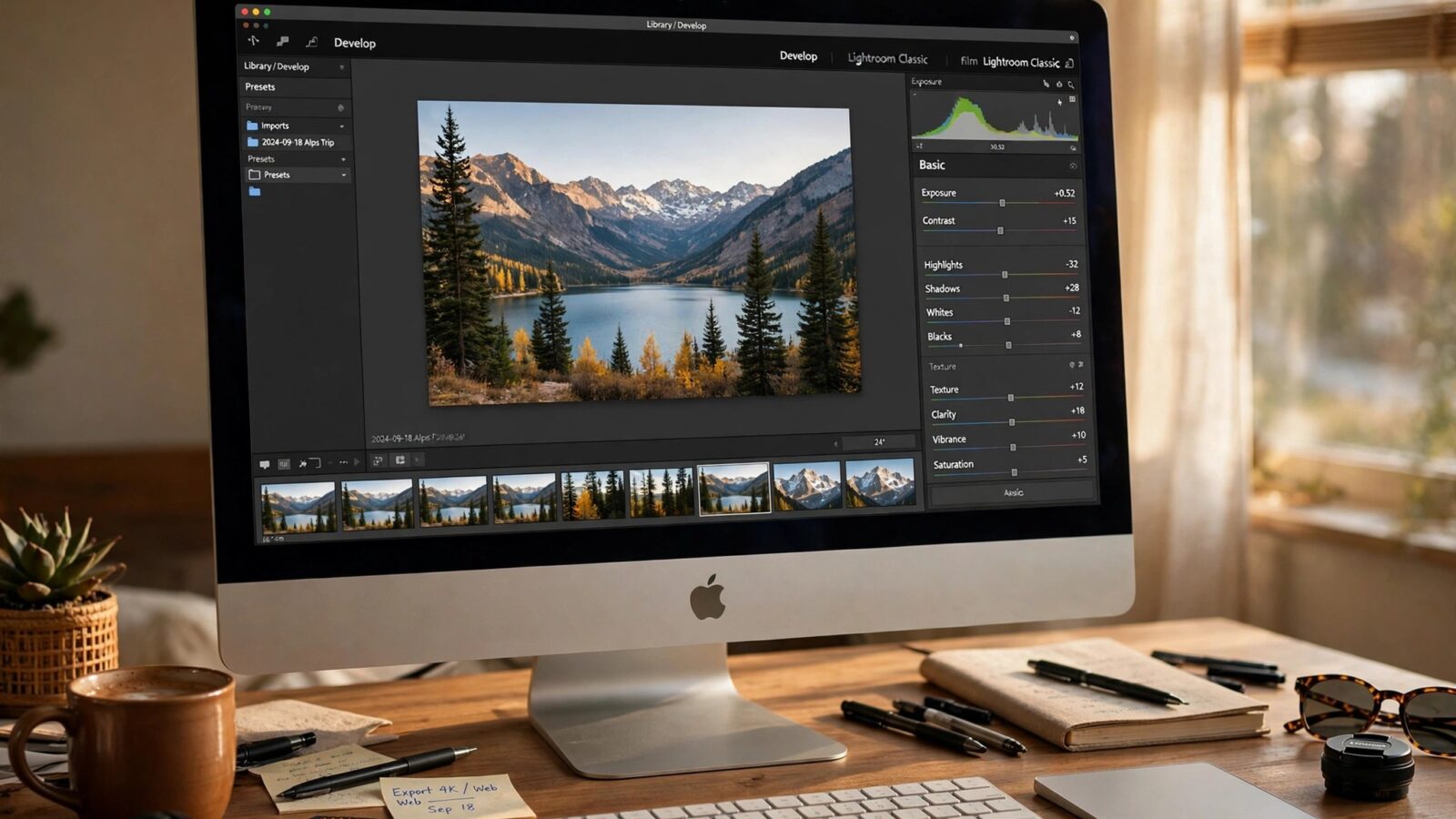
Photomator vs Affinity Photo for Mac is a comparison between two very different ideas of what a photo editor should be. Photomator is a focused, Apple-first editor built around photography: RAW development, color, selective adjustments and a library that works naturally with Apple Photos. Affinity Photo is a broader image editor that also handles layers, retouching, compositing and design-style work, and it is available as a one-time purchase rather than a subscription.
Both are serious tools, and both run well on a Mac. The right choice depends on whether photography is your main work, or just one part of a wider creative toolkit. This guide compares them on photo editing quality, workflow, speed, pricing and the kind of user each one serves best.
What Each App Is Built For
Photomator is built for photographers first. Every tool is aimed at making a photo look better: exposure, color, detail, noise, masks and presets that keep a set consistent. It does not try to be a design program, and that focus shows in a cleaner interface and a faster path from import to finished photo.
Affinity Photo is built for image editing in the broadest sense. It can develop RAW files, but it also offers advanced layer work, frequency separation, panorama stitching, HDR merging and tools that graphic designers use every day. If your work regularly crosses from photography into illustration or layout, that breadth is valuable. If it does not, it can feel like extra weight.
RAW Editing and Photo Quality
For pure photo work, Photomator has the edge in day-to-day use. Its RAW handling, AI tools and non-destructive workflow make it easy to recover highlights, clean up noise and keep skin tones natural, without building a complicated layer stack for every image. Edits stay adjustable, so a photo can be revisited and refined later.
Affinity Photo also develops RAW files well, and its Develop persona gives detailed control over tone and color. Where it shines is after development: complex retouching, compositing and pixel-level work that goes beyond normal photo editing. For a photographer who needs that depth occasionally, Affinity is powerful. For a photographer who edits hundreds of photos, Photomator is usually faster.
Color, Presets and Consistency
Consistency across a shoot is where Photomator earns its place. Presets, copied edits and a straightforward color workflow help a wedding set, a portrait session or a travel series look like it belongs together. Learning to shape color deliberately helps here, and how to color grade photos in Photomator explains that process in practical terms.
Affinity Photo offers LUTs, adjustment layers and precise color tools, but building a consistent look across many photos takes more manual setup. It rewards patience and technical skill, rather than speed.
Workflow on a Mac
Photomator fits naturally into an Apple workflow. It works with your photo library, syncs edits across iPhone, iPad and Mac, and keeps the focus on photography from start to finish. That matters if you shoot on a phone, cull on an iPad and finish on a Mac.
Affinity Photo fits a desktop-first workflow. It is excellent on a Mac, especially with a large screen and a precise pointer, but it is not built around an Apple photo library in the same way. You manage files and folders yourself, which gives control but adds steps. For a wider view of how Photomator sits against other desktop editors, Photomator vs Lightroom is a useful companion comparison.
Pricing and Value
Pricing is a real difference, and it should be weighed honestly. Photomator is available as a subscription, with a lifetime option that has been offered for its Apple platforms. Affinity Photo is sold as a one-time purchase, which appeals to users who dislike subscriptions. Over several years, a one-time purchase can look cheaper on paper.
Value, though, is not just price. It is price divided by how often you use the tool and how much time it saves. A photographer who edits daily will often get more value from a focused photo workflow than from a broader tool used only for basic adjustments. A designer who uses layers, masks and compositing every week may get more value from Affinity, even if photo editing is only part of the job.
Which One Should You Choose
Choose Photomator for Mac if photography is your main work, you want a fast and consistent photo workflow, and you value Apple library integration and cross-device editing. Choose Affinity Photo if you need advanced layer and compositing work, you want a one-time purchase, or photo editing sits alongside design work in your day.
Many Mac users keep both, using Photomator for photography and Affinity for the occasional composite or design task. That is a sensible setup, provided you are honest about which app does the daily work.
Conclusion
Photomator vs Affinity Photo for Mac comes down to focus against breadth. Photomator is the better pure photo editor for most photographers, because it is faster, more consistent and built around a photo library. Affinity Photo is the better all-round image editor for users who need layers, compositing and design tools as well. Choose the one that matches the work you actually do, not the feature list that looks most impressive.
Frequently Asked Questions
Is Photomator better than Affinity Photo for photography?
For regular photo editing, RAW work and consistent results across a set, Photomator is usually the better and faster choice. Affinity is stronger for advanced compositing and design-style editing.
Is Affinity Photo a one-time purchase?
Yes, Affinity Photo has traditionally been sold as a one-time purchase, unlike subscription editors, which is a major reason many users choose it.
Can I use Photomator and Affinity Photo together?
Yes. A common setup is to develop and finish photos in Photomator, then open a file in Affinity only when a composite, heavy retouch or design task needs it.
Which app is easier to learn on a Mac?
Photomator is easier for photography, because its tools are organized around photo editing. Affinity has a steeper learning curve, but that depth is the point for users who need it.