
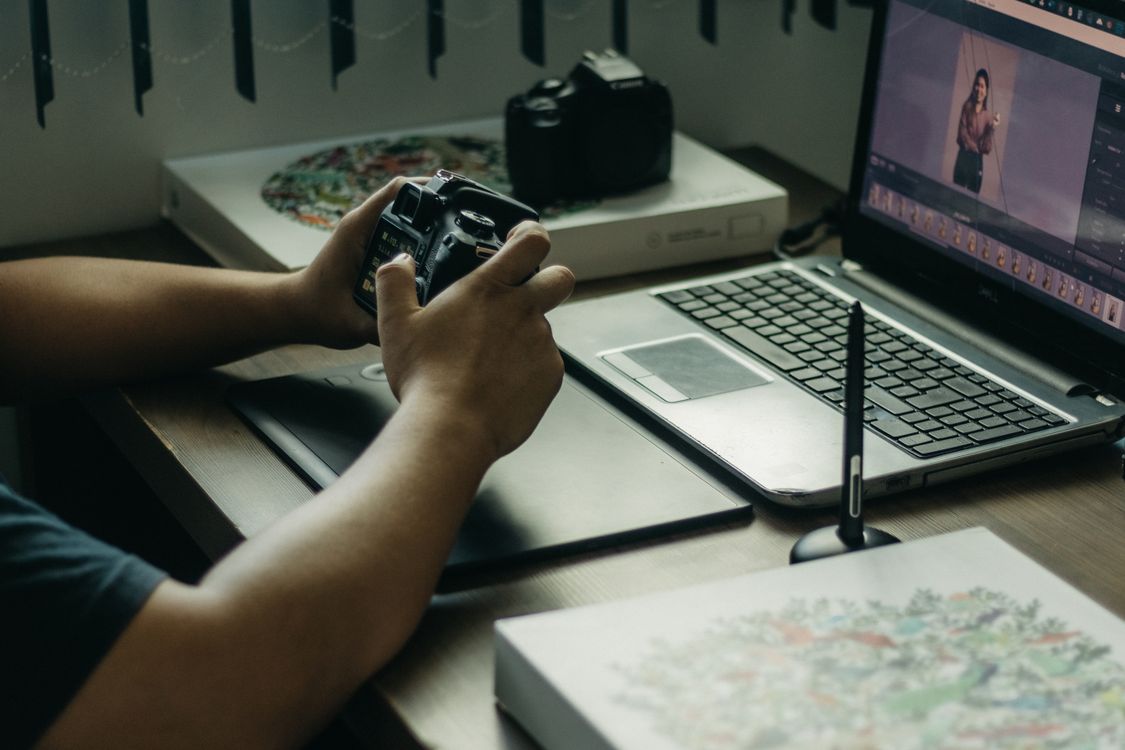
Photomator vs Capture One for Mac editing is a comparison between a friendly Apple-focused editor and a professional studio tool. Capture One is built for detailed colour work, tethered shooting and large commercial sets. Photomator is built for fast, natural edits across iPhone, iPad and Mac. Both are strong, but they serve different photographers.
Colour and RAW power
Capture One has a reputation for excellent RAW processing and precise colour tools. Its colour editor, layers and tethering make it a favourite for studio and commercial work. Photomator also handles RAW well and offers AI masking and curves, but it does not aim to replace a studio workflow. For everyday colour work, Photomator is usually enough; for exact commercial colour, Capture One goes further.
Ease of use and speed
Photomator is the faster app to learn. Its interface is clean, its AI tools do much of the selection work, and you can edit a whole set quickly. Capture One has a steeper learning curve and more panels, which pays off for professionals but can slow down casual editors. If you want to open a photo and improve it in minutes, Photomator fits better.
Workflow and devices
Photomator works across Apple devices, so you can start on iPhone and finish on Mac. Capture One is Mac and Windows focused, with a workflow built around sessions, catalogues and studio shoots. Photographers who shoot tethered in a studio will value Capture One. Photographers who edit on the go will value Photomator.
For colour techniques in Photomator, how to color grade photos in Photomator shows how far its colour tools go. For tone control, how to use curves in Photomator for better contrast and tone covers a tool both apps use, in different ways.
Cost and audience
Capture One is priced for professionals and offers subscription and perpetual options that change over time. Photomator is aimed at a wider audience and is simpler to buy and use. If photography is your business and colour accuracy is critical, Capture One may be worth its cost. If you want polished photos without a studio learning curve, Photomator is the better value.
Which one should you choose
- Choose Capture One if you shoot tethered or need precise commercial colour.
- Choose Photomator if you want fast, natural edits across Apple devices.
- Choose Capture One if you manage large studio sessions and catalogues.
- Choose Photomator if you edit travel, family and everyday photos.
Most Mac photographers who are not working in a studio will be happier with Photomator, while studio professionals will appreciate Capture One.
Frequently Asked Questions
Is Photomator as good as Capture One for colour?
For everyday and creative colour work, Photomator is very good. Capture One offers deeper colour editing and tethering for commercial work.
Does Capture One work on iPhone?
Capture One is mainly a desktop app, while Photomator is built for iPhone, iPad and Mac, which makes mobile editing much easier.
Which app is easier to learn?
Photomator is easier to learn, thanks to a clean interface and AI tools. Capture One takes longer to master but rewards professional users.
Can Photomator handle RAW files well?
Yes. Photomator handles RAW editing, AI masking and curves well, though Capture One offers more studio-grade RAW and colour controls.
Who should choose Capture One?
Studio, fashion and commercial photographers who need tethering, sessions and precise colour should look closely at Capture One.
If you are choosing between the two, start from your shooting style. Studio work with tethered cameras and exact colour delivery points to Capture One, while everyday Apple-device editing points to Photomator. Either way, test both on the same photos before committing, because colour and workflow feel different in daily use.