Nondestructive Editing
Adjust photos while preserving the ability to revisit edits later.
Learn how Photomator handles nondestructive photo editing, RAW and Apple ProRAW files, selective adjustments, retouching, batch workflows and intelligent enhancement tools across supported Apple devices.
Photomator.org is independent. Photomator is developed and published by Apple Inc.; this site does not host application installers.
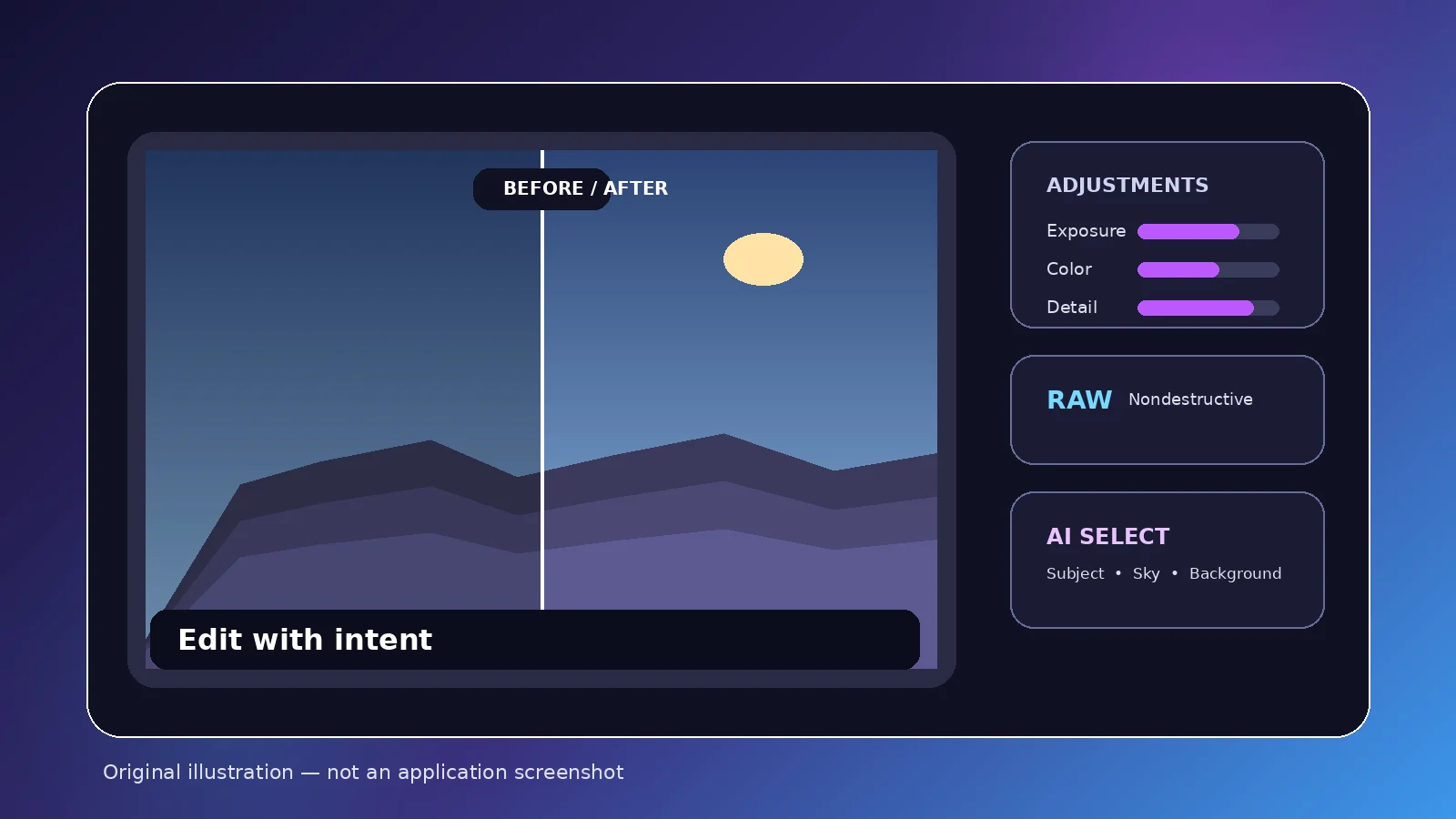
A focused photo editor for Apple platforms, built around image adjustment rather than graphic design.
Photomator helps photographers and creators enhance photos with nondestructive adjustments, RAW editing, color controls, selective edits, retouching, presets, batch processing and Apple ecosystem workflows. It can work with Photos and file-based locations where supported, with iCloud-based syncing available across compatible Apple devices.
It is aimed at photographers, content creators, mobile shooters and Mac/iPhone/iPad users who want a photo-first editing workflow. It is not presented here as a Photoshop-style layered design application.
A practical overview based on current App Store descriptions; exact compatibility can evolve over time.
Adjust photos while preserving the ability to revisit edits later.
Work with supported RAW formats and Apple ProRAW using the same adjustment workflow.
Create fast subject selections for targeted adjustments.
Target skies without manually tracing every edge.
Separate background areas for focused corrections.
Remove or clone over unwanted details using retouching tools documented in current App Store listings.
Reduce camera noise and compression artifacts when a cleaner image is needed.
Increase image resolution with intelligent processing for larger output.
Reduce visible color banding and increase apparent color depth.
Control exposure, contrast, temperature, tint, saturation, vibrance and more.
Fine-tune tonal and color response with precise controls.
Adjust individual color ranges without changing the whole image.
Refine color relationships across shadows, midtones and highlights.
Apply a consistent starting look, then refine the result.
Copy edits and process groups of photos more efficiently.
Straighten, rotate, crop and correct perspective.
Use live tonal feedback while adjusting the image.
Use Apple ecosystem syncing and Photos integration where supported.
Apply LUTs and, on supported workflows, export custom LUTs for reuse.
Nondestructive editing means you can refine many decisions later instead of permanently baking each adjustment into the source image.
Choose a photo from Photos or a supported file location.
Set overall brightness, then recover highlights or shadows when needed.
Refine white balance, saturation and color relationships with purpose.
Use subject, sky, background, brush or gradient selections for local corrections.
Use Repair or Clone where appropriate and inspect the corrected texture closely.
Apply Denoise, Smart Deband or Super Resolution only when the image benefits.
Choose an output that matches the final destination and review the exported file.
Current App Store compatibility includes Mac, iPhone, iPad and Apple Vision. Always check the listing for the latest operating-system requirements.
Desktop file workflows, Photos integration, RAW editing and batch work.
Mobile edits with Apple ecosystem access and touch-first controls.
A larger touch workspace for detailed adjustments and selective edits.
Current App Store compatibility includes Apple Vision; verify the latest visionOS requirement before installing.
No official Photomator Windows or Android version is currently listed. Do not trust “Photomator EXE,” “Photomator APK,” or unofficial Windows/Android installers.
Use the tool that solves the photographic problem in front of you; avoid processing simply because a feature exists.
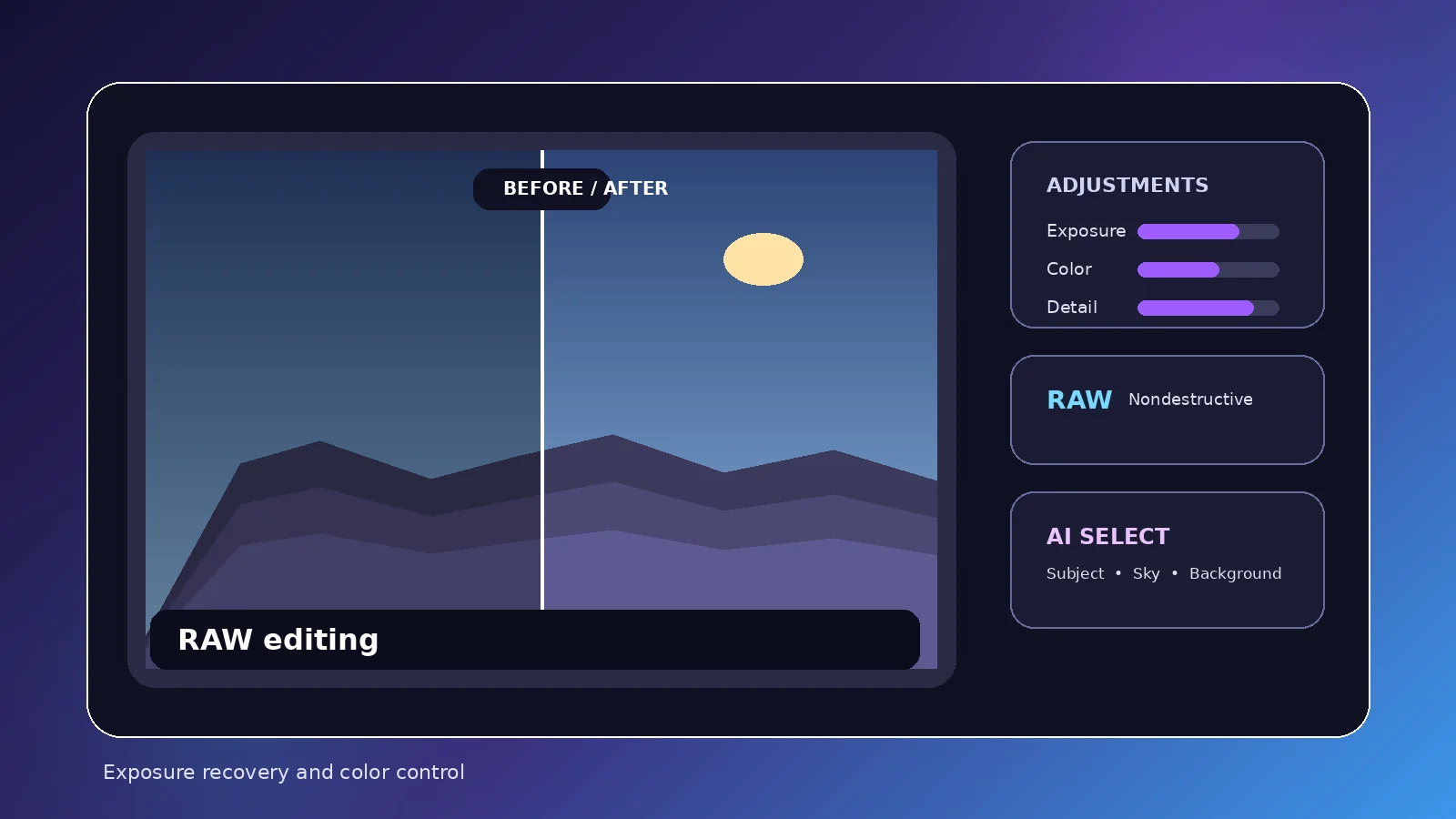
Recover highlight and shadow detail from supported RAW files, set white balance carefully, and keep an eye on the histogram before export.
Balance skin tone, local brightness, and small distractions without flattening natural texture or pushing color beyond the scene.
Shape skies, foliage, and distant detail with selective adjustments while keeping gradients and saturation believable.
Move quickly through mixed-light scenes, straighten perspective when needed, and build a consistent look across a trip without overprocessing.
Crop for the target format, tune contrast for small screens, and export at a practical size instead of enlarging files unnecessarily.
Copy a strong base edit across similar frames, then review each image for lighting or color differences that need individual attention.
Use white balance, curves, selective color, and color balance to correct casts or refine palette relationships with a clear visual goal.
Remove modest distractions with Repair or Clone where supported, then inspect repeated textures and edges for visible retouching artifacts.
Lift dark scenes carefully, control color casts, and apply Denoise only when the cleaner result still preserves useful fine detail.
Use Super Resolution when output dimensions are genuinely limiting, then compare edges and texture at the size the image will be viewed.
Edit on iPhone or iPad with a touch-first approach, making quick global corrections before zooming in for precise local work.
Combine larger-screen inspection, keyboard-and-pointer precision, batch tasks, and Files or Photos workflows for more involved editing sessions.
Photomator combines traditional photo controls with automation that can speed up selections and enhancement—not replace judgment.
AI-assisted tools can save time, especially on repetitive selections or enhancement tasks, but complex edges, textures and extreme corrections still deserve a careful before/after review.
Photomator is distributed through Apple’s App Store. No cracked copies, APKs, Windows installers or third-party DMGs are needed.
Photomator.org never provides APK, EXE, cracked, torrent, mirror, unofficial DMG or direct application-file downloads.
Read the getting-started guide →Photomator is distributed through Apple’s App Store. Photomator.org does not host application installers or repackaged files.
Check the App Store for the latest version, compatibility, trial terms and regional pricing.
Pages advertising Photomator APK, Photomator Windows EXE, cracked versions, mods, torrents or unofficial DMG downloads are not legitimate distribution channels for the app described here.
Photomator.org is an independent informational website and is not affiliated with, endorsed by, sponsored by or operated by Apple Inc.
Photomator.org does not host Photomator application files.
A useful choice depends on your devices, library strategy and the kind of editing you actually do.
Avoid stale screenshots and hardcoded prices: App Store amounts vary by region and can change.
Photomator may offer a monthly subscription, yearly subscription, lifetime licence and a free trial where currently offered. The best source for the current amount charged in your region is the App Store storefront tied to your Apple Account.
Read the pricing and trial guide →For billing, refunds, subscriptions, purchase restoration and Apple Account issues, use official Apple Support.
Restart the device, verify current OS compatibility and install App Store updates.
Test another file, check current camera/format support and update the OS/app.
Review Photos or file permissions and confirm the expected library/location.
Check connectivity, storage and whether the source is actually stored in iCloud.
Confirm free space, destination permissions, format and output dimensions.
Close heavy tasks and remember that large RAW files, Denoise and batches require more processing.
Review system privacy settings and re-authorize only the access you need.
Use the App Store; do not replace the app with third-party installers.
Use official Apple Support for billing, refunds, subscriptions and purchase restoration.
Compare before/after, reduce extreme adjustments and inspect local-mask edges.
Nine static, in-depth guides covering the questions users most often need answered.
Understand what Photomator does, who it suits, where it runs, and how its photo-first workflow differs from broader image editors.
A practical first-session workflow covering installation, permissions, opening photos, basic adjustments and export.
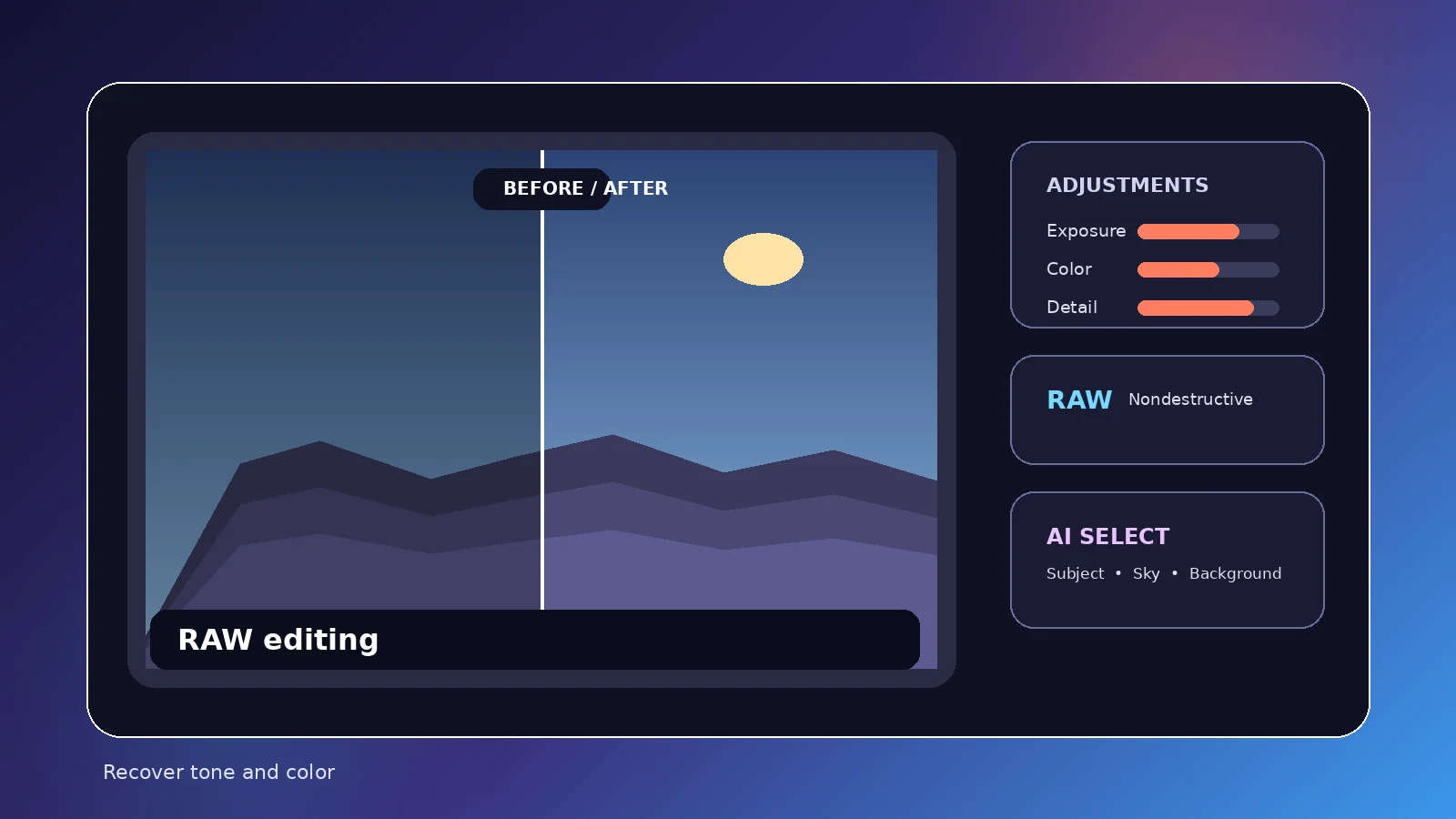
A step-by-step RAW workflow for exposure recovery, white balance, highlight and shadow control, color and export.
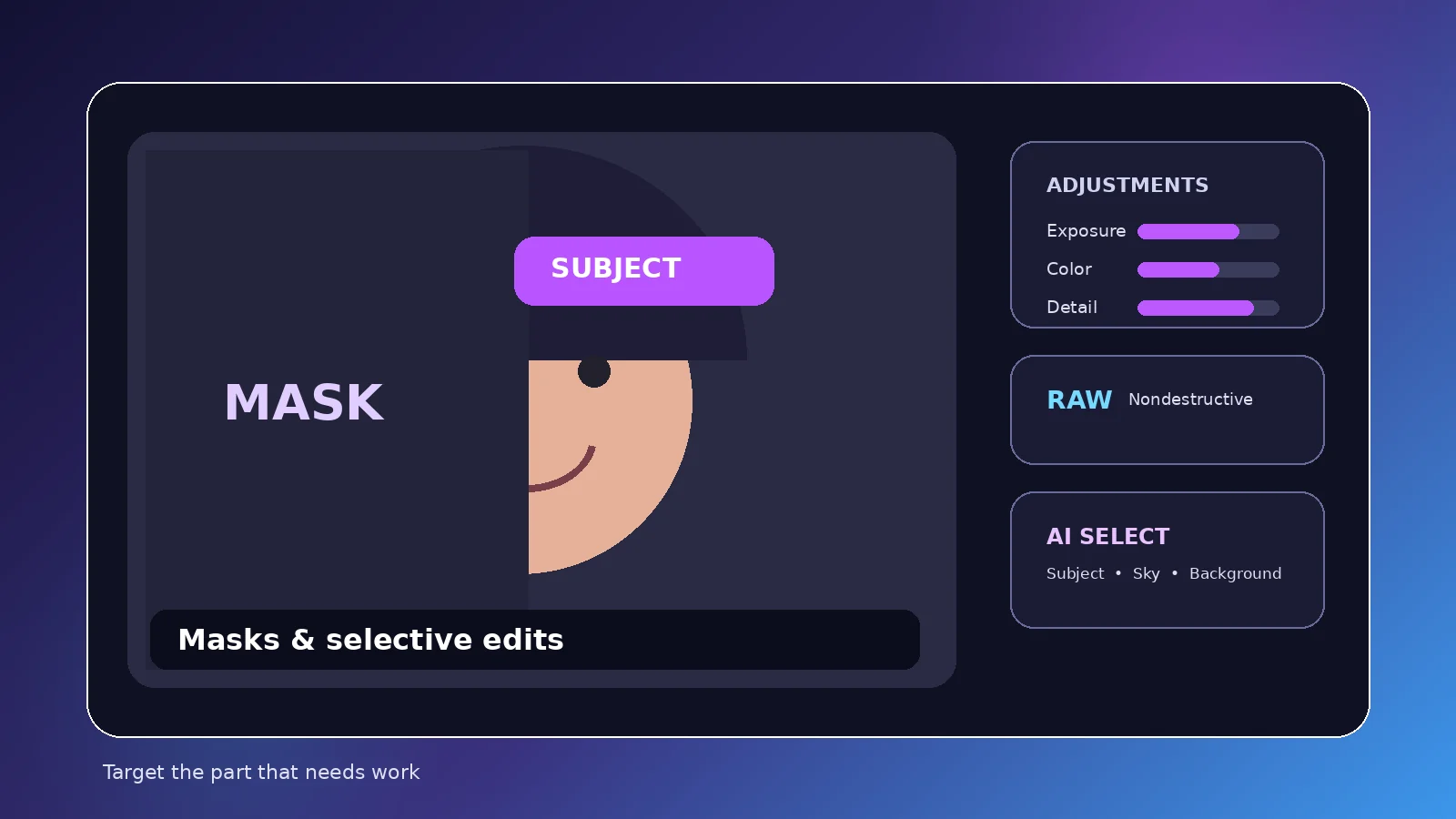
Learn when to use subject, sky, background, brush and gradient masks—and how to keep local edits believable.
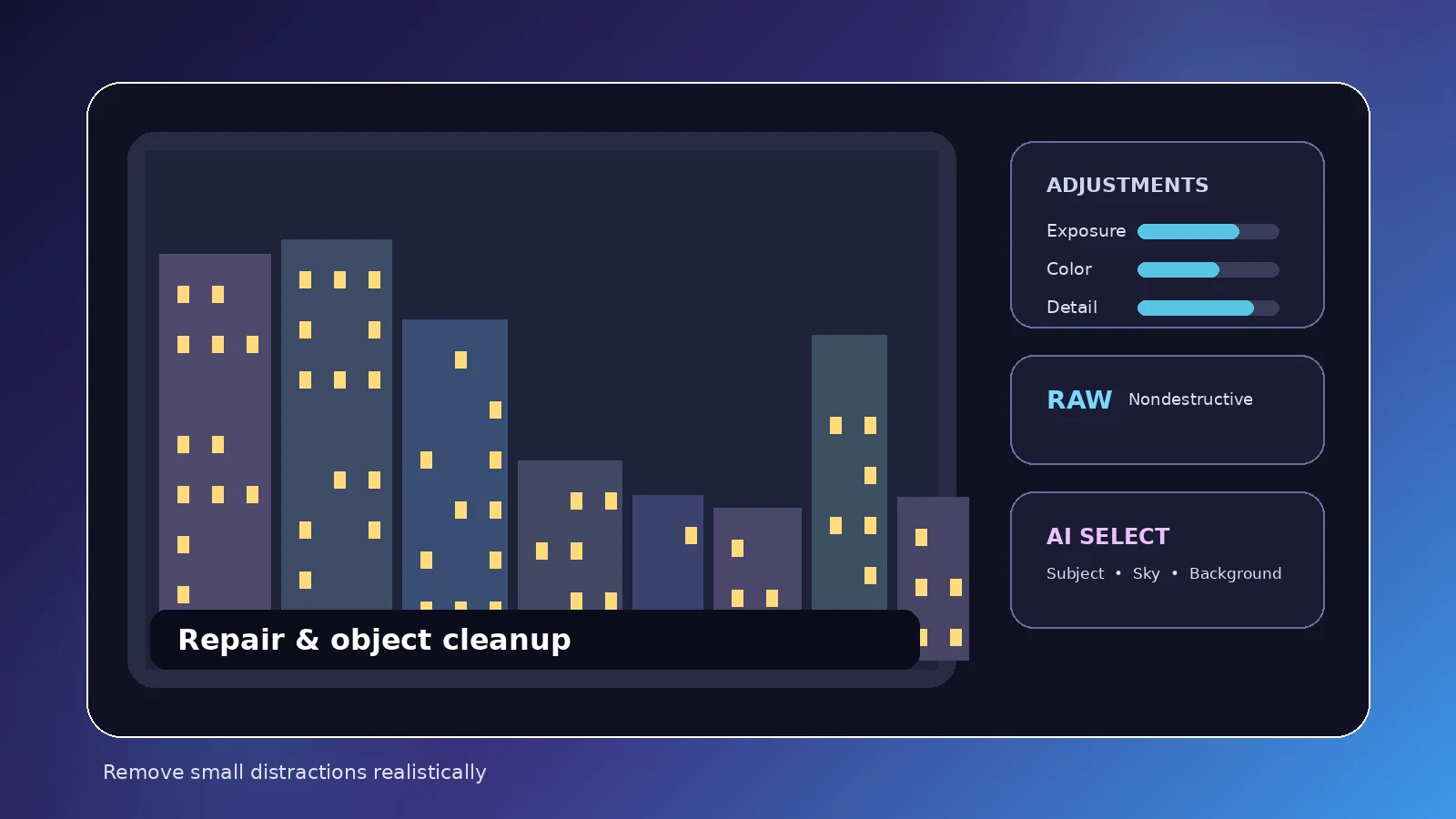
Use Repair—and Clone where supported—to clean up distractions while understanding the limits of object removal.
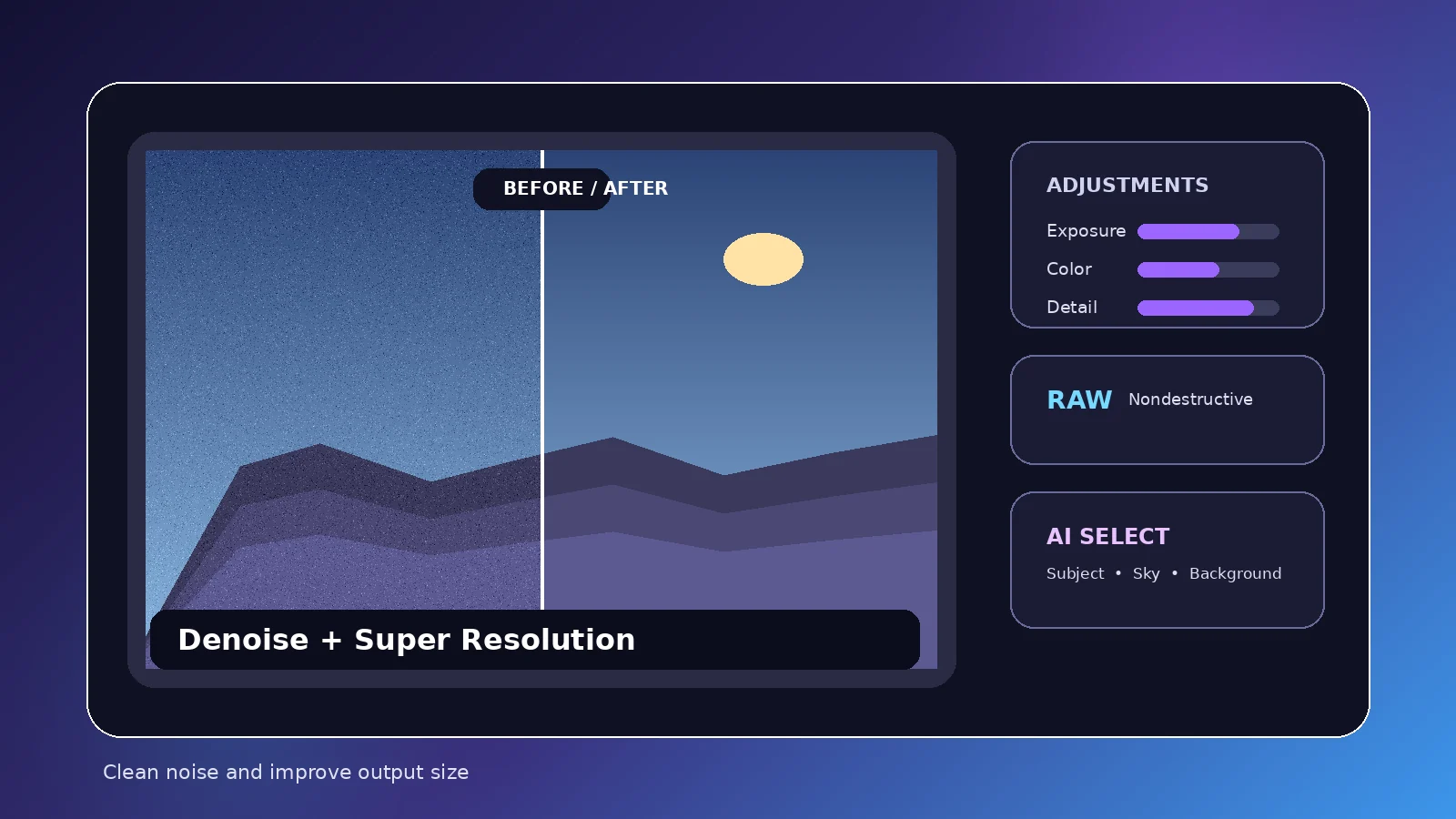
Understand what Denoise and Super Resolution are designed to do, when to use them, and where quality trade-offs appear.
A neutral comparison of workflow, platforms, RAW editing, organization, mobile use, pricing models and target users.
Understand the subscription, trial and lifetime-license structure without relying on stale hardcoded prices.
Practical troubleshooting for RAW compatibility, syncing, permissions, performance, exports, downloads and photo access.
Exactly twenty practical answers split across two topics. Only one answer opens at a time.
Photomator is Apple’s photo editing application for supported Apple devices. It focuses on photo enhancement, RAW editing, nondestructive adjustments, selective edits, retouching and efficient photo workflows.
The App Store may let you download the app at no upfront charge, but ongoing use can require a subscription or license. Trial and purchase options can change, so check the App Store for current regional terms.
Apple is currently listed as the developer of Photomator in the App Store. Photomator.org is an independent informational guide and does not develop the app.
Yes. The current App Store listing includes Mac compatibility. Check the App Store for the latest macOS requirement before installing.
Yes. Photomator is available for compatible iPhone models running a supported iOS version.
Yes. Photomator is available for compatible iPads and is designed for a touch-based editing workflow.
The current App Store compatibility information includes Apple Vision. Check the listing for the latest visionOS requirement.
No official Windows version is listed. Avoid pages offering a Photomator EXE or Windows installer; those files are not distributed by Photomator.org.
No official Android version is listed. Be cautious of websites advertising a Photomator APK or mod.
Use Apple’s official App Store listing. Photomator.org does not host DMG, PKG, ZIP, EXE, APK, IPA, torrent or mirror downloads.
Yes. Current App Store descriptions document broad RAW support. Exact camera and format compatibility can change, so verify unusual or newly released camera formats before relying on them.
Yes. Apple ProRAW is specifically referenced in current Photomator App Store descriptions.
Yes. Current listings describe machine-learning or AI-assisted tools for selections, enhancement, Denoise, Super Resolution, Smart Deband, auto cropping and color matching. These tools accelerate work but still benefit from visual review.
Yes. Repair is designed for unwanted objects and distractions; current Mac listings also describe Clone. Complex removals can still require care and may not be seamless in every image.
Denoise is intended to reduce camera noise and compression artifacts, which can be especially useful for high-ISO and low-light images.
Super Resolution intelligently increases image resolution. It can be useful when you need a larger output, though it cannot recreate every detail that was never captured.
Yes. Photomator supports copying edits and batch-editing groups of photos, which helps when a set of images needs similar adjustments.
Photomator is designed around nondestructive color adjustments and editable workflows, so you can refine many changes without permanently baking them into the source image.
Photomator supports Apple ecosystem workflows including iCloud Drive and Photos integration. Actual sync behavior depends on where files are stored and which services are enabled.
Photomator is centered on photo editing and photo workflows. Pixelmator Pro is a broader Mac image editor with additional design and composition capabilities. Choose based on whether your work is primarily photo adjustment or broader image design.