
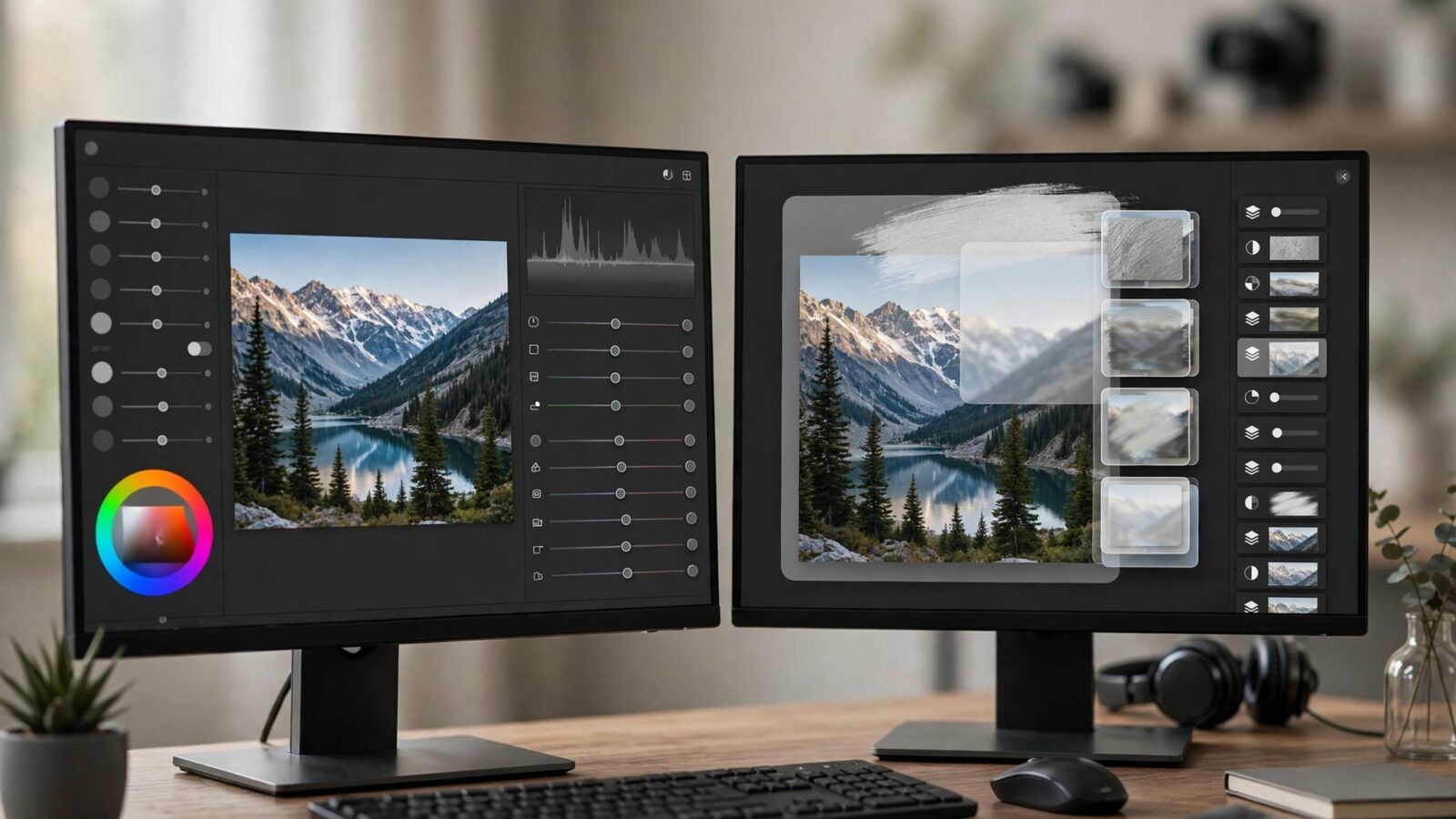
Few comparisons confuse buyers like this one, because the two apps share a name, a maker, and much of their technology. This photomator vs pixelmator guide separates them properly. Photomator and Pixelmator Pro are both made by the Pixelmator Team for Apple platforms, but they are built for different jobs: Photomator is a dedicated photo editor, while Pixelmator Pro is an all-purpose image editor that also handles design work. Understanding that single difference makes every other difference fall into place.
Neither app runs on Windows or Android, so this choice only applies if you work on Mac — and, in Photomator’s case, also iPhone, iPad, and Vision Pro. If you are cross-platform, neither is your answer. If you are in the Apple ecosystem, read on.
Photomator vs Pixelmator: Purpose and Workflow
Workflow is where the apps diverge most. Photomator is organized around photographs and photographic thinking. You browse your photos, pick one, and adjust it with tools named for what photographers do: exposure, white balance, color, selective masks, repair, and batch-friendly enhancements. The experience feels close to a digital darkroom — you move from shot to shot, improving each one, with your library and edits kept together.
Pixelmator Pro is organized around a canvas and layers. You open or create a document, combine images, text, shapes, and effects, and build a finished composition — a social post, a banner, a mockup, a retouched composite. It can absolutely edit a single photo, and edit it well, but it approaches that photo as one element in a layered project rather than as the whole point. New users often find Photomator quicker to learn precisely because it asks fewer questions before the editing starts. Our Photomator getting started guide shows how short that path is.
Features Compared: Photos First vs Everything in One App
For pure photo work, Photomator covers the complete everyday chain: RAW and ProRAW support, nondestructive adjustments, masked selective edits, object repair, and AI-assisted tools such as Denoise and Super Resolution for noisy or low-resolution shots. Its depth on the photographic side, including the workflow described in our Photomator RAW editing guide, is its reason to exist.
Pixelmator Pro matches much of the photo-adjustment ground — it also edits RAW files and offers machine-learning tools — and then keeps going into territory Photomator deliberately skips: rich text tools, shapes and vector drawing, layer-based compositing, and templates for designed output. The trade-off is focus. In Pixelmator Pro, photo tools share the stage with design tools; in Photomator, photos have the whole stage. Photomator also reaches iPhone, iPad, and Vision Pro, while Pixelmator Pro is a Mac application, so mobile editing is a clear Photomator advantage.
Price Model in General Terms
The two apps also differ in how you generally pay for them. Photomator has typically been offered through subscription-style and longer-term purchase options, reflecting its cross-device, service-like position across Mac and mobile. Pixelmator Pro has traditionally been sold as a one-time purchase on the Mac App Store. Exact prices and offers change over time, so treat any specific figure you see quoted elsewhere with caution and check the current listings before deciding. The practical question is which model fits your habits: ongoing access across devices, or a single Mac purchase you own outright for that major version.
Which One Should You Choose?
Choose Photomator if almost everything you do starts and ends with photographs: correcting family pictures, editing RAW files from your camera, retouching portraits, enhancing travel shots, or editing on an iPad as happily as on a Mac. Choose Pixelmator Pro if your work regularly mixes photos with text, graphics, and layout — marketing images, thumbnails, posters, product mockups — or if layer-based compositing is central to how you create. Many Apple users reasonably own both, using each for the job it was shaped for, but if you only want one, let your most common task decide.
Frequently Asked Questions
Are Photomator and Pixelmator Pro made by the same company?
Yes. Both are made by the Pixelmator Team. They share underlying technology and a similar design language, but they are separate apps aimed at different kinds of work.
Can Pixelmator Pro replace Photomator for photo editing?
For many single-photo edits, yes — Pixelmator Pro has strong photo tools. But Photomator offers a more focused, photo-library-centered workflow and works on iPhone, iPad, and Vision Pro as well as Mac, which Pixelmator Pro does not.
Which app is better for beginners?
Beginners who mainly edit photos usually find Photomator easier, because its tools and layout are photographic from the start. Beginners making designs, posters, or social graphics will get more from Pixelmator Pro despite its broader learning curve.
Do either of them work on Windows or Android?
No. Photomator and Pixelmator Pro are Apple-platform applications. Photomator runs on Mac, iPhone, iPad, and Vision Pro, and Pixelmator Pro runs on Mac. Neither runs on Windows or Android.
Conclusion
Photomator vs Pixelmator is not really a contest — it is a question of intent. Photomator is the focused darkroom: photographic tools, a photo-first workflow, and editing that travels across your Apple devices. Pixelmator Pro is the versatile studio: layers, text, vectors, and design output on the Mac, with photo editing as one strong part of a larger toolkit. Decide by the work you do most often, and the right choice becomes obvious.