
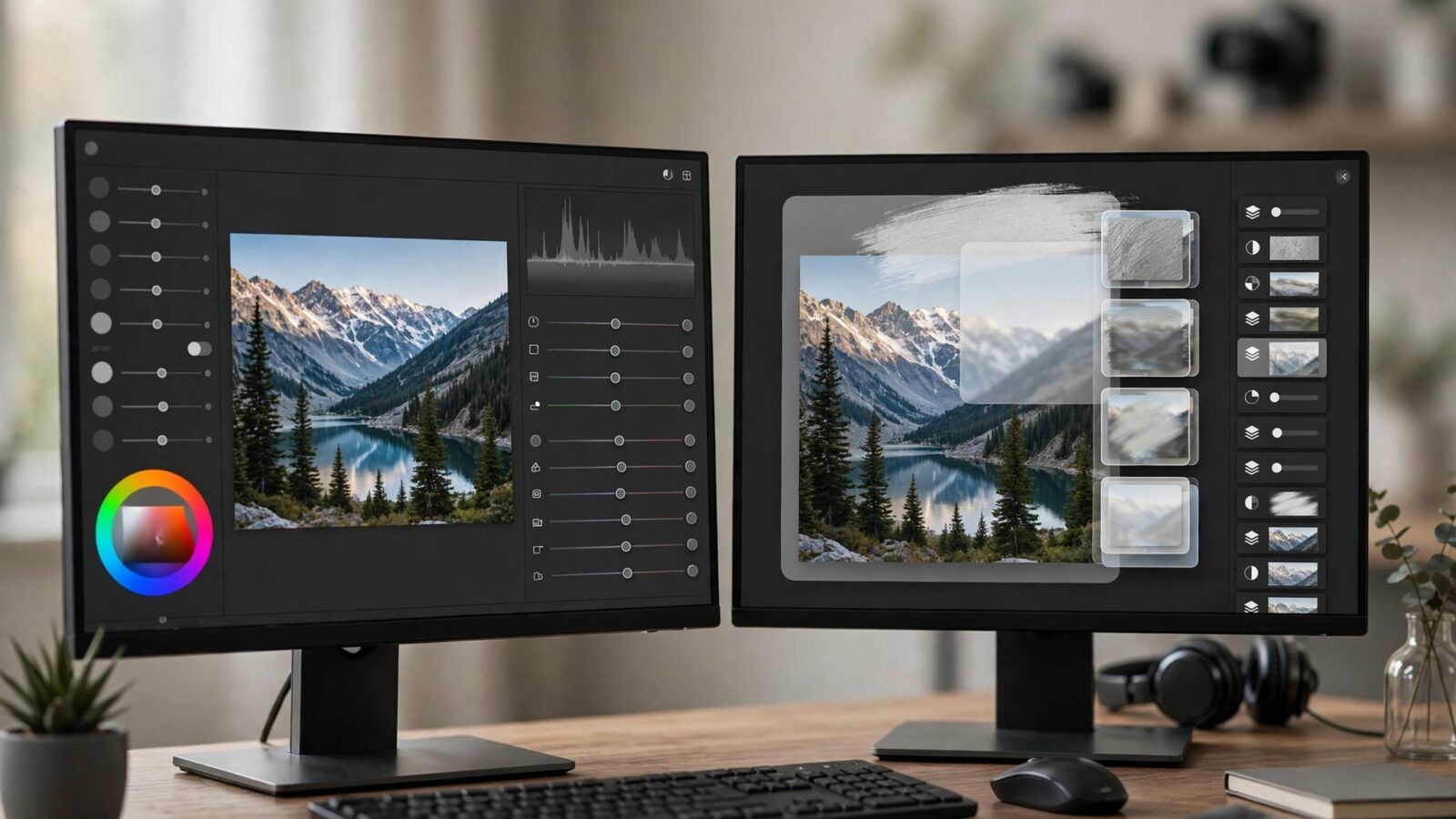
Photomator vs Luminar Neo is a useful comparison for Apple photographers because the two editors take different routes to a finished photo. Photomator is built around a calm, native Apple workflow, while Luminar Neo is built around a broad set of creative and AI driven tools. The right choice depends less on which app has more features and more on how you like to edit, how much control you want and how your photos move between devices.
This comparison looks at editing style, AI tools, library workflow, file handling and everyday speed. It is written for photographers who want natural results without turning every edit into a long project.
Editing style and control
Photomator gives a clear, tool by tool editing experience. Exposure, colour, tone and local adjustments are easy to find, and edits stay restrained when you want them to. That clarity suits photographers who like to shape light and colour themselves and check each change as they go.
Luminar Neo offers a wider creative toolkit, with presets, layers and more dramatic effects available in one workspace. That breadth can be fun for experimental work, but it also makes it easier to push an image too far. If your goal is a clean, believable photo, Photomator usually needs fewer decisions to reach it.
AI tools and natural results
Both editors use AI, but they use it in different ways. Photomator focuses on practical help such as enhancement, masking and repair, with results that tend to stay close to the original photo. Luminar Neo leans further into creative AI, including sky replacement and stronger scene effects. Those tools can transform an image, but they are not always the best choice when you want the photo to still look like the moment you shot.
For everyday portraits, travel and family photos, the most useful AI is the kind you barely notice. It cleans up a problem, sharpens a subject or balances light without changing the character of the scene. Photomator fits that approach well.
Library workflow and Apple integration
Photomator works naturally with Apple devices, so editing on a Mac, iPad or iPhone feels like one workflow rather than three separate ones. Its library and sync approach suit photographers who already live inside the Apple ecosystem and want their edits to travel with them.
Luminar Neo is available more broadly and suits photographers who work across platforms or want one desktop editor for varied projects. If most of your editing happens on Apple hardware, though, the tighter integration of Photomator is a real everyday advantage.
File handling and exports
For RAW files, Photomator gives a straightforward editing path with controls that remain easy to adjust. Its export workflow is simple enough for sharing, printing or handing files to a client without extra steps. Luminar Neo also handles RAW editing well, but its larger workspace can feel slower when you only need a quick, clean export.
If you edit in batches, Photomator keeps the process tidy. Apply a consistent base edit, check a few key frames, then export. For a comparison of other Mac editors, see Photomator vs Lightroom and Photomator vs Pixelmator.
Which editor fits which photographer
Choose Photomator if you edit mainly on Apple devices, prefer a calm and focused workspace and want natural results with minimal fuss. Choose Luminar Neo if you enjoy creative effects, layers and a broader experimental toolkit and you are happy to manage a more complex workspace.
Many photographers do not need the most tools. They need the right tools, in the right order, with results they can trust. On that test, Photomator is the easier recommendation for Apple photographers who value consistency and a natural finish.
Frequently asked questions
Is Photomator better than Luminar Neo for natural editing?
For natural editing, Photomator is usually easier to control. Its tools encourage restrained adjustments and keep the original scene recognisable.
Does Luminar Neo offer more creative tools?
Yes, Luminar Neo offers a broader creative toolkit, including layers and stronger effects. That breadth suits experimental work more than quick, natural edits.
Which editor works better on Apple devices?
Photomator is designed for Apple devices, so its workflow feels more native across Mac, iPad and iPhone.
Can both editors handle RAW photos?
Yes, both handle RAW editing. Photomator keeps the RAW workflow simpler, while Luminar Neo adds more creative options around it.
Which should a beginner choose?
A beginner who wants a clean, consistent result will usually find Photomator easier to learn. A beginner who wants to explore dramatic effects may prefer Luminar Neo.