
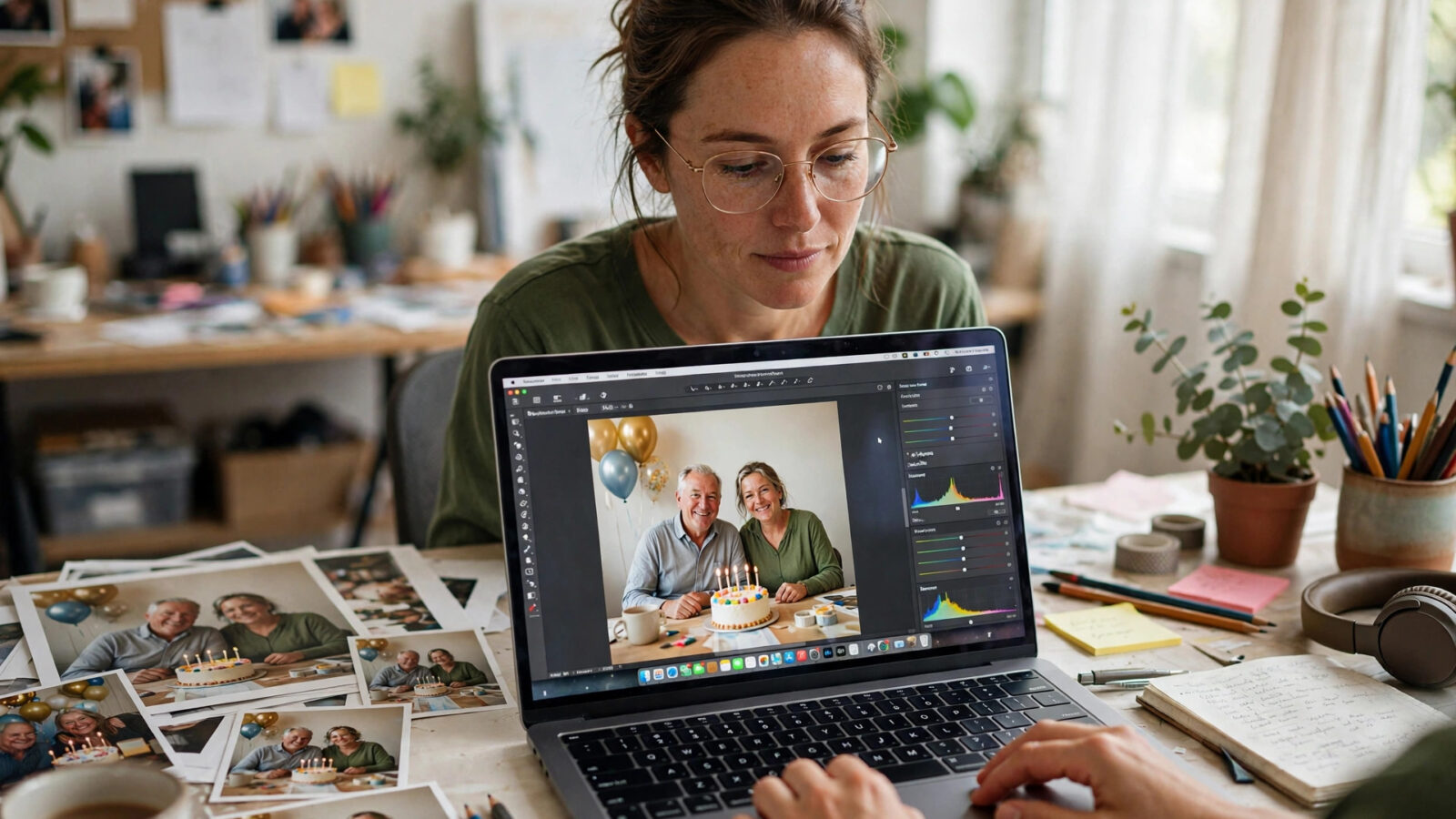
Birthday parties move fast. Candles are blown out in a second, a child laughs mid-jump, a grandparent arrives with a hug, and then the moment is gone. Parents often take hundreds of photos and keep only a handful, not because the day was not special, but because the photos are dark, blurry or badly coloured. Photomator photo editing on iPhone and Mac gives parents a calm, practical way to turn a chaotic set of party photos into an album they will actually keep, share and print.
This guide is for parents, not professional photographers. It focuses on the photos parents actually take: indoor parties with mixed light, outdoor parties in bright sun, and evenings that move from garden to living room. It explains what to fix first, what to leave alone, and how to finish a set quickly without losing the feeling of the day.
What parents actually keep from a birthday party
Parents rarely keep the most posed photos. They keep the candid ones. A child concentrating on a cake, a sibling helping with a balloon, a group laughing at a game, these are the photos that still matter years later. When you edit, prioritise those moments. A technically perfect photo of a posed group is less valuable than a slightly imperfect photo of a real laugh, so do not delete candid photos just because the light was difficult.
Look through the set once before you edit, and mark the photos that make you smile. Edit those first. If time is short, a short album of twenty strong photos is better than a long album of two hundred uneven ones. Parents who share a short, well-edited album are more likely to have it viewed, printed and kept.
Fixing indoor party light in Photomator
Indoor birthday light is usually a mix of overhead lights, window light and candles. That mix can leave skin yellow, backgrounds dark and faces in shadow. In Photomator, start with exposure and white balance. Lift the overall exposure just enough to make faces clear, then correct white balance using a white wall, a white tablecloth or a white shirt as a reference. Keep the correction gentle. A birthday party should feel warm, not clinical, and a little warmth in the light is part of the atmosphere.
Next, check shadows. Faces in shadow, especially under a hat or near a window, often need a small shadow lift. Use a masked adjustment if the background is already bright, so you do not blow out balloons and decorations. Keep saturation restrained. Bright decorations and colourful cakes can quickly look garish if saturation is pushed too far, and skin tones will suffer first.
Candles, cake and the key moments
The candle moment is the hardest photo of the day. The room is dim, the candles are bright, and the child is moving. Shoot several frames, choose the sharpest, and edit with restraint. In Photomator, reduce highlights a little to keep the flame detail, lift shadows on the face, and keep the warm glow. Do not try to make the room look like daylight. The darkness around the cake is part of the story.
For the cake itself, check colour carefully. Icing, frosting and decorations should look like they did in real life. A white cake that looks yellow, or pink icing that looks orange, usually needs a small white balance correction. Check the photo at full size, and compare it with your memory of the cake. A natural cake photo will age better than a heavily saturated one.
A quick editing workflow for busy parents
Parents do not have hours to edit. Use a short, repeatable workflow in Photomator. First, cull quickly and keep the strongest moments. Second, apply a gentle starting point for exposure and white balance to photos taken in the same light. Third, review faces at full size and adjust individual photos that are darker or brighter than the group. Fourth, crop only where a distraction at the edge pulls attention from the child. Fifth, export sharing copies and keep the originals safe.
Work on iPhone for quick sharing on the day, and on Mac for a larger review before printing. When you are reading the Photomator blog, you will find the same principle in many family workflows. Consistency matters more than perfection, and a consistent album feels intentional even when the original photos varied widely.
Sharing and printing birthday photos
Share through the channels the family already uses, and keep the album short. A link to a well-organised album is easier for grandparents and other family members than a long chat thread of individual photos. For prints, choose the sharpest photos and test a small print before ordering a large one. A photo that looks good on a phone may still be soft in a large print, especially if it was cropped heavily.
Keep a copy of the finished album separate from the originals, so you can return to the source files later. Birthday photos gain value over time, and a well-kept set will be looked at again in five, ten and twenty years. Editing them well now is a gift to the future.
Common birthday photo mistakes
The most common mistake is over-editing. Heavy saturation, heavy sharpening and heavy vignettes can make a happy party look artificial. Another is deleting candid photos because they are imperfect, when those are often the ones parents treasure most. A third is sharing every photo instead of curating a short album, which makes the best moments harder to find. Edit gently, curate firmly, and share a set you are proud of.
Frequently asked questions
Can Photomator fix dark indoor birthday photos on iPhone?
Yes, in most cases, especially when the original is reasonably sharp. Lift exposure and shadows gently, correct white balance, and check faces at full size. Very dark, blurred photos will improve only modestly, so choose the sharpest frames for the main album.
Should I edit birthday photos on iPhone or Mac?
Both work well. iPhone is ideal for quick edits and sharing on the day, while Mac gives a larger screen for judging colour and skin tones before printing. Use the device that suits the moment and check the final album at the size it will be viewed.
How do I keep birthday photos looking natural?
Keep adjustments moderate, protect skin tones, and avoid heavy saturation and sharpening. A birthday party should feel warm and joyful, not over-processed, so compare the edited photo with the original often.
Can I batch edit a whole birthday party album?
Yes, by grouping photos by lighting and applying a gentle starting point to each group. Indoor, outdoor and evening photos need different starting points, so group first, then review each photo individually for faces and exposure.
What photos should parents print from a birthday party?
Print the sharpest candid moments, the candle photo, and a group photo that includes the key people. Test a small print first, especially for heavily cropped photos, and keep the originals safe for future prints.