Blog
Editing Photos for Home Printing in Photomator
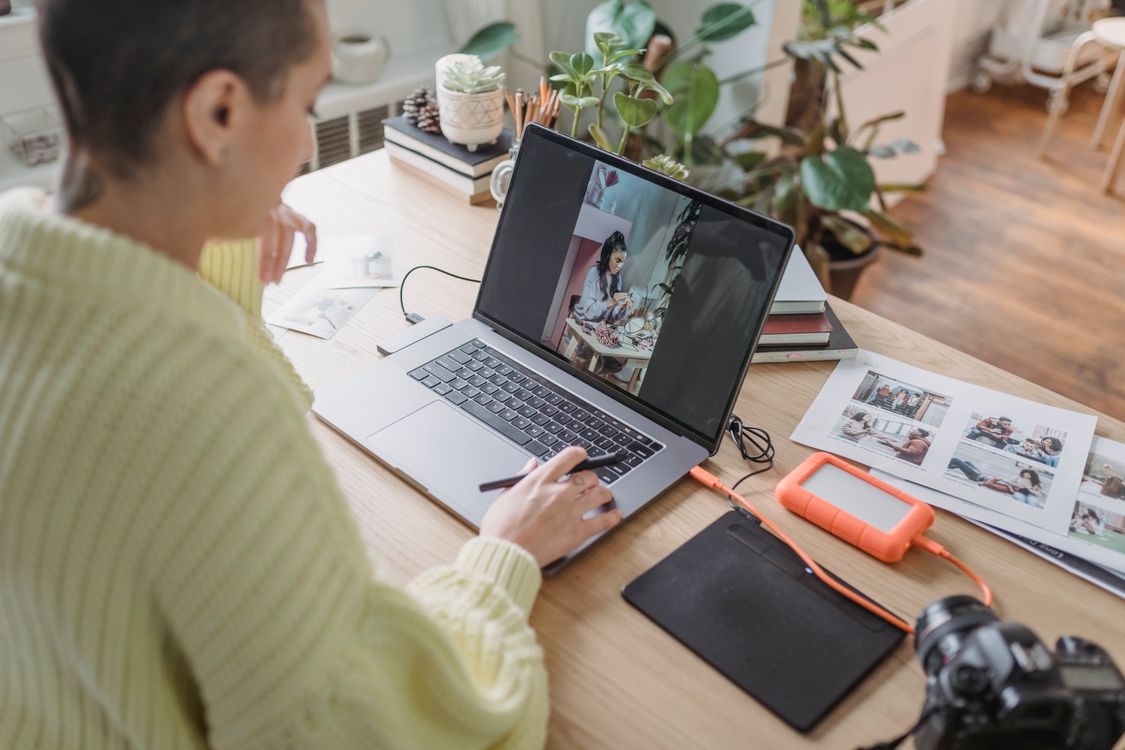
Editing photos for home printing in Photomator brings a different set of decisions than editing for a screen. A home printer has a narrower colour range than a phone display, and paper…
Editing photos for social media stories in Photomator is a fast, practical skill. Stories are viewed vertically, for a few seconds, often on a small screen in bright light. That means the…
Editing photos for a photo book in Photomator is different from editing for a phone screen. Print shows every flaw that a small screen hides: soft focus, noisy shadows and colour casts…
A Photomator photo editing routine for busy parents does not need to be long or complicated. The hardest part of family photo editing is not the editing itself, it is finding a…
AI batch enhance in Photomator for holiday albums is the fastest way to turn hundreds of travel photos into a set that looks finished, without editing each one by hand. A holiday…
AI colour correction in Photomator for mixed lighting helps when one photo contains two very different kinds of light. A common example is a room lit by warm lamps with cool daylight…
AI denoise in Photomator for grainy indoor photos is most useful when light is low and you cannot simply take the photo again. Indoor light often forces a higher ISO, and that…
AI subject masking in Photomator for portraits lets you edit a person separately from the scene around them. That separation matters, because portraits often need a gentle touch on skin and eyes,…
AI sky masking in Photomator for landscapes helps you fix the most common landscape problem: a bright sky that washes out while the land below stays too dark. Instead of editing the…