
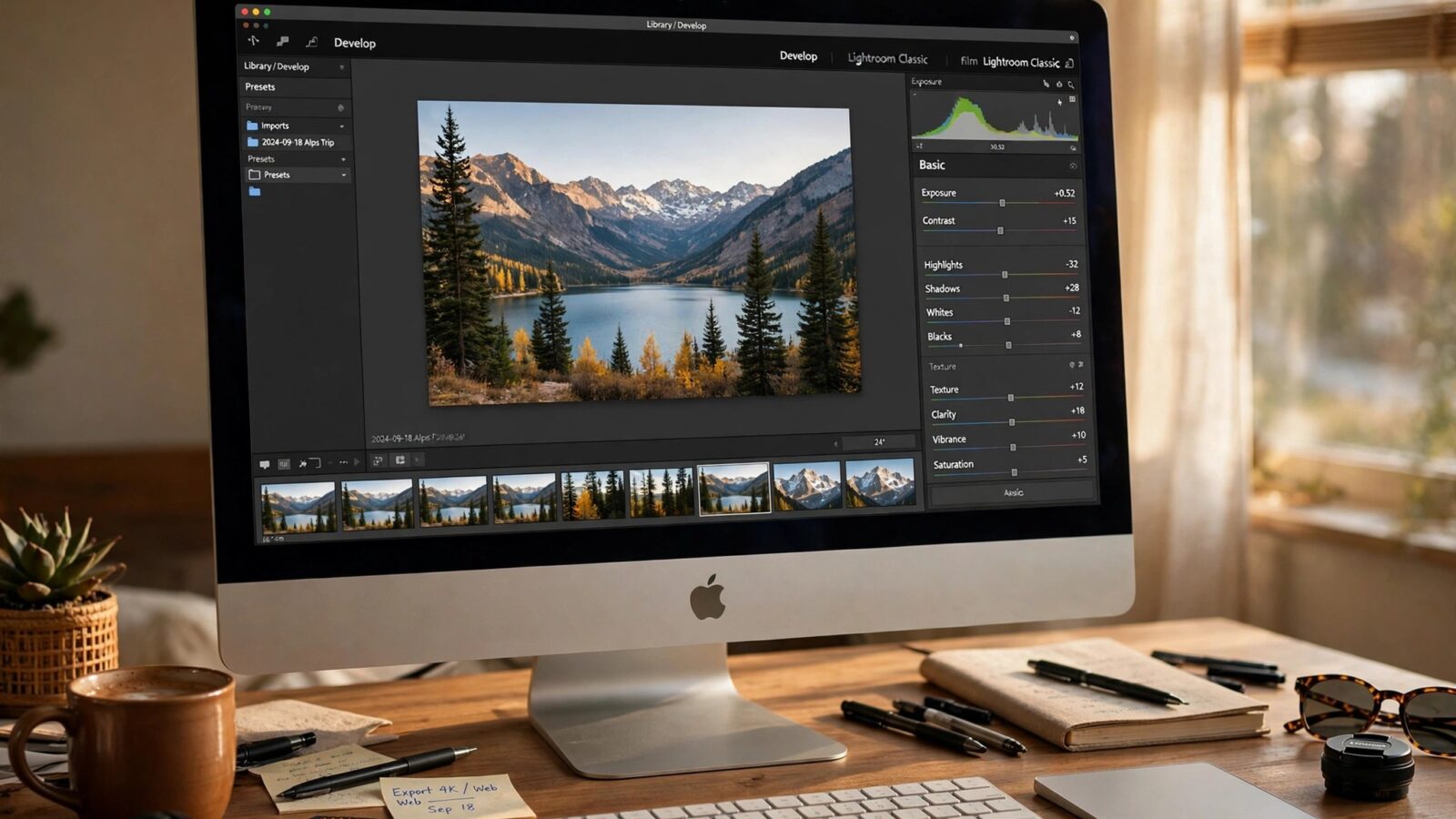
Lightweight photo editors are becoming the first choice for many Apple photographers in 2026. Instead of opening a heavy desktop suite for every small fix, photographers want an editor that starts quickly, stays out of the way and still handles RAW files, colour and local adjustments well. Photomator is a strong example of that approach.
Lightweight does not mean basic. It means the editor focuses on the tools you use most, keeps the interface clear and lets you finish a photo without learning a complex system. That balance is especially valuable when you edit on a phone or tablet as well as a Mac.
What makes an editor lightweight
A lightweight editor opens fast and does not slow down your device. Its main controls are easy to find, presets are simple to adjust, and exports do not require a long list of settings. It should also work well with the Photos library and with files stored on your device.
Photomator fits this description because it is designed for Apple hardware. Editing feels native, syncing feels straightforward, and the learning curve is short. That makes it easier to edit regularly instead of leaving photos untouched.
Speed, simplicity and natural results
Speed matters more than most people expect. When editing feels quick, you are more likely to cull, edit and share your best photos. When it feels slow, even good photos stay in the library. A lightweight editor removes that friction.
Simplicity also helps consistency. With fewer distractions, you are more likely to use the same base edit, keep skin natural and avoid oversaturation. For a Mac focused view, see the best photo editor in Mac and Photomator for Mac review.
What to check before choosing
Check RAW support, local adjustments, batch editing and export options first. A good lightweight editor should handle all four without forcing you into a second app for common tasks. Also check how it handles organisation, because a fast editor is less useful if you cannot find your photos.
Finally, try your real workflow. Edit a portrait, a landscape and a low light photo. If the editor feels calm and predictable across all three, it is a good fit. If you keep fighting the interface, a different lightweight option may suit you better.
Why Photomator stands out in 2026
Photomator stands out because it combines speed with enough depth for serious editing. AI tools help with enhancement and masking, while manual controls remain clear for photographers who want to shape the result themselves. That combination suits beginners and experienced photographers alike.
For Apple photographers who want a reliable daily editor rather than a project in itself, lightweight is not a compromise. It is the point.
Frequently asked questions
What is a lightweight photo editor?
A lightweight photo editor starts quickly, uses a clear interface and focuses on the most useful editing tools, without the complexity of a full desktop suite.
Is Photomator a lightweight editor?
Yes, Photomator is designed for Apple devices and offers a fast, focused workflow while still supporting RAW editing, AI tools and local adjustments.
Can lightweight editors handle RAW photos?
Many can, including Photomator. Check RAW support, noise handling and export quality before choosing one for serious work.
Are lightweight editors good for professionals?
They can be, especially for everyday editing, client previews and consistent work. Very specialised retouching may still need a deeper tool.
Should I use one editor or several?
One main editor usually keeps your workflow consistent. Add a second tool only when it solves a specific problem your main editor cannot handle well.
Choosing a lightweight editor is really about choosing a habit you will keep. When editing is fast and calm, your photos get finished, shared and enjoyed instead of waiting for a perfect day that never comes.