
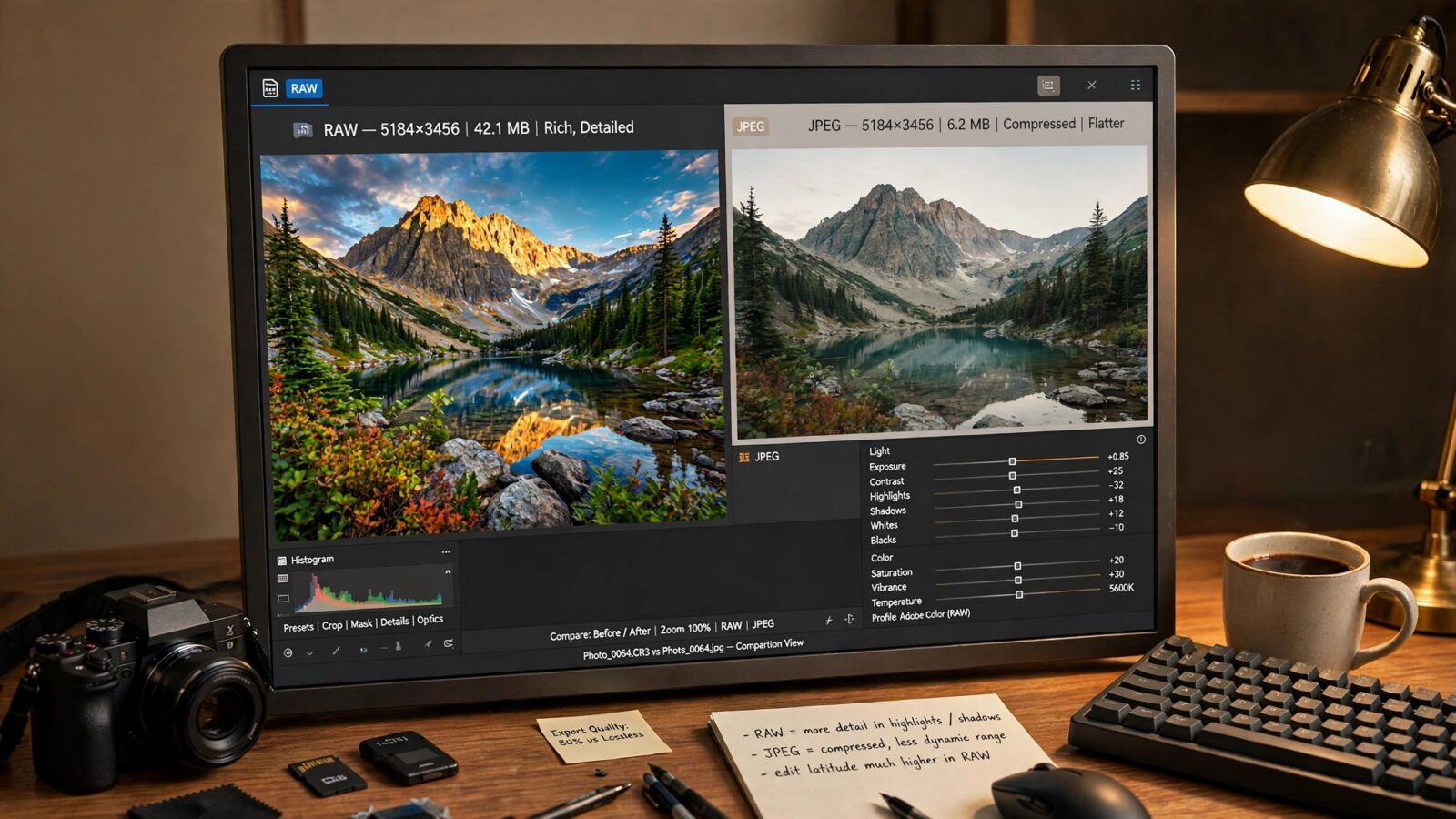
Photomator vs ON1 Photo RAW is a comparison between a focused Apple editor and a deep desktop editor. Photomator keeps editing simple and fast, while ON1 Photo RAW offers a wider range of tools for photographers who want to manage, edit and finish everything in one place. Both can produce strong results, but they suit different workflows.
This comparison covers editing depth, RAW handling, presets, library organisation and everyday speed, so Mac users can choose the editor that fits how they actually work.
Editing depth and simplicity
Photomator gives you the main controls in a clean layout, so you can adjust exposure, colour and tone without hunting through panels. That simplicity is a strength when you edit many photos and want a consistent look.
ON1 Photo RAW offers more layers, effects and local adjustment options. That depth can help with complex edits, but it also adds decisions. Photographers who enjoy detailed control may appreciate it, while photographers who want a quick, natural finish may find Photomator easier to use day after day.
RAW handling on Mac
Both editors handle RAW files, but their feel is different. Photomator keeps RAW editing direct, with adjustments that stay easy to refine. ON1 Photo RAW gives a broader RAW workspace, including more detailed noise, sharpening and lens options. For most everyday RAW work, Photomator provides enough control without slowing you down. For very demanding files, ON1 gives you more room to experiment.
Presets and creative options
Photomator presets are best used as a starting point. Apply a preset, then adjust exposure and colour to suit the photo. That approach keeps results natural and consistent across a set.
ON1 Photo RAW includes a larger preset and effects library, which suits photographers who like stylised looks or want many creative starting points. The extra choice is useful, but it can also lead to inconsistent results if presets are applied without adjustment.
Library workflow and speed
Photomator works well for photographers who already organise photos on Apple devices and want edits to move smoothly between Mac, iPad and iPhone. Its workflow feels light and quick for everyday editing.
ON1 Photo RAW is stronger as an all in one desktop organiser and editor, especially for photographers who want browsing, cataloguing and editing in a single app. If you mainly work on a Mac and want one deep desktop tool, that can be appealing. For other Mac comparisons, see Photomator vs Affinity Photo for Mac and Photomator vs Lightroom.
Which Mac editor should you choose
Choose Photomator if you want a fast, calm editor that fits Apple devices and keeps your photos natural. Choose ON1 Photo RAW if you want a deeper desktop editor with more layers, effects and organisation tools in one place.
For many Mac photographers, the deciding question is simple. Do you want more tools, or do you want a smoother daily workflow? Photomator wins on the second question, and that is often what matters most.
Frequently asked questions
Is Photomator easier than ON1 Photo RAW?
Yes, Photomator is generally easier to learn and faster for everyday edits, while ON1 Photo RAW offers more depth and complexity.
Does ON1 Photo RAW offer more editing tools?
Yes, ON1 Photo RAW includes more layers, effects and organisation features, which suit photographers who want an all in one desktop editor.
Which is better for RAW photos on Mac?
Both handle RAW well. Photomator is simpler and faster, while ON1 gives more detailed control for demanding files.
Can Photomator keep up with a large photo library?
Yes, especially when you use a consistent workflow, presets as a starting point and regular culling to keep the library tidy.
Should beginners choose Photomator or ON1?
Beginners who want natural results quickly will usually find Photomator easier. Beginners who want to explore deep desktop editing may enjoy ON1, but should expect a longer learning curve.