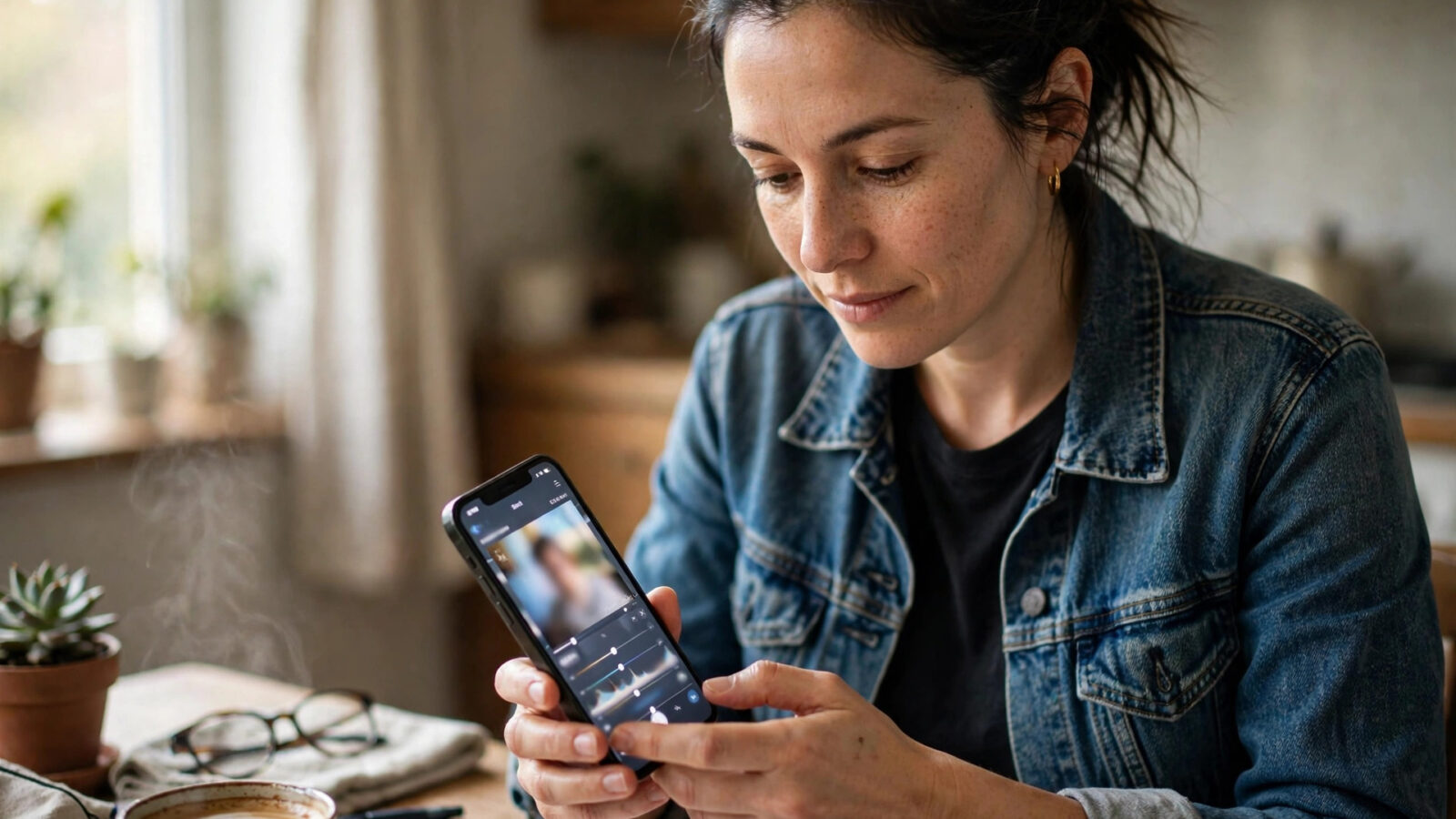
Privacy has become a deciding factor in photo editing. People are asking where their photos go, what is uploaded, and who can see them, before they choose an editor. In 2026, the trend is clear: editing that stays on the device, with the user in control, is no longer a niche preference. It is a mainstream expectation, and Photomator is built around it.
Photomator describes itself as private by design, with on-device processing, no account required, and edits that stay on the device by default. This guide looks at privacy-first photo editing trends in Photomator for 2026, what they mean in practice, and how to get the most from them without giving up powerful editing.
On-device editing as the default
The biggest privacy trend in 2026 is on-device processing. Instead of uploading photos to a server for editing, the work happens on the Mac, iPhone, or iPad itself. Photomator’s on-device approach means your photos do not need to leave the device to be edited, which removes a whole category of privacy risk: no upload, no server copy, and no question about how long an uploaded photo is kept.
On-device editing also has practical benefits. It works without a fast connection, it keeps editing responsive, and it keeps your library where you already keep it. In Photomator, on-device processing is the default, not a special mode, so privacy-first editing does not require extra setup or a change in workflow.
No account, local library, user control
A second trend is control over accounts and libraries. Photomator requires no account, which means there is no profile to create, no password to manage, and no account-linked history to worry about. Your library stays in Apple Photos or in the folders you choose, and Photomator edits the photos you open, without building a separate cloud library.
That control extends to sharing. In a privacy-first workflow, you decide what leaves the device and when. Edit locally, export only what you want to share, and keep the rest in your library. Check sharing settings in the apps you use, and avoid uploading full-resolution originals to services you do not trust, when a smaller sharing version will do.
AI features without uploading your photos
AI editing is a third trend, and it raises the sharpest privacy questions. Many AI features in other editors require uploading a photo to a server. Photomator’s AI tools, including AI enhance, denoise, and masking, are described as running on-device, so the AI work happens locally. That distinction matters in 2026, as people become more aware of the difference between on-device AI and cloud AI.
When you use AI tools in Photomator, keep the same habits as for any edit: work on a copy or keep the original safe, check the result at full size, and export only what you intend to share. On-device AI does not change the need for a careful edit, but it does mean the AI step does not require sending your photo elsewhere.
A privacy-first workflow for 2026
Put it together, and a privacy-first workflow in Photomator for 2026 looks simple: edit on-device, keep your library local, use AI tools that run locally, and share deliberately. Keep your device and apps updated, use a strong device passcode, and back up your library in a way you trust, whether that is iCloud, a local backup, or both.
When you are reading other Photomator trends, you will see the same principle. Privacy-first editing is not about giving up features. It is about choosing tools that keep your photos where you can control them, and Photomator’s on-device, no-account approach is built for that choice.
Frequently asked questions
Is Photomator private by design?
Photomator is described on photomator.org as private by design, with on-device processing, no account required, and edits that stay on the device by default. That means editing does not require uploading photos to a server.
Do Photomator AI tools upload my photos?
Photomator’s AI tools, including enhance, denoise, and masking, are described as running on-device. The AI work happens locally on the Mac, iPhone, or iPad, rather than requiring an upload to a server.
Do I need an account to use Photomator?
No. Photomator requires no account, so there is no profile to create or account-linked history to manage. Your library stays in Apple Photos or in the folders you choose.
How do I keep photos private when sharing?
Edit locally, export only what you want to share, and check sharing settings in the apps you use. Avoid uploading full-resolution originals to services you do not trust when a smaller sharing version will do.
Does on-device editing work without internet?
Yes. On-device processing happens on the device itself, so editing does not depend on a fast connection. It also keeps editing responsive and keeps your library where you already keep it.