
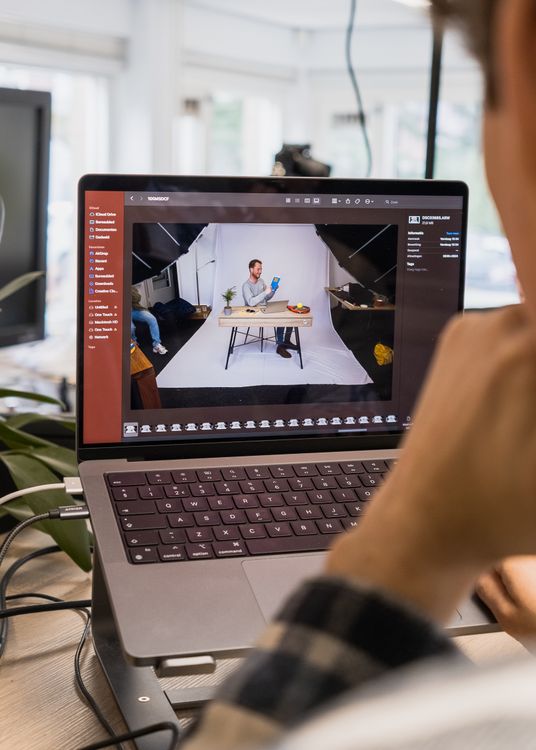
The quiet photo editing trend is changing how many photographers finish their work. Instead of bold filters and heavy effects, the focus is on calm colour, gentle contrast and edits that feel almost invisible. Photomator fits this trend well, because its tools encourage restraint and make it easy to stop before a photo looks processed.
Quiet editing is not about doing less for the sake of it. It is about choosing the few changes that genuinely improve a photo and leaving the rest alone. The result is work that ages well and still looks like the scene you remember.
What quiet editing looks like
Quiet edits usually start with accurate exposure and white balance. Shadows stay soft rather than crushed, highlights keep detail, and colour stays close to real life. Skin looks natural, skies stay believable, and textures remain visible instead of smoothed away.
In Photomator, this approach works best when you edit in small steps. Adjust one control, step back and check the whole image, then decide whether another change is really needed. That pause is often what separates a calm edit from an overworked one.
Why photographers are moving this way
Many photographers have grown tired of photos that all look the same. Strong presets can be striking at first, but they can also hide the subject and make a personal photo feel generic. Quiet editing brings attention back to light, expression and composition.
It also suits how photos are used now. People view images on small screens, in feeds and in family albums, where a natural look feels warmer and more trustworthy than a dramatic effect. For related direction, see on-device AI photo editing trends to watch in 2026 and mobile photo editing trends shaping 2026.
A quiet editing workflow in Photomator
Start by removing obvious problems only, such as a distracting object or a tilted horizon. Then set exposure so the main subject reads clearly. Adjust white balance until skin and neutrals look right, not until the image looks warm or cool for effect.
Next, add just enough contrast to give the photo shape, and keep saturation restrained. If a colour still draws too much attention, reduce it locally rather than changing the whole image. Finally, check the photo at a smaller size, because that is how most people will first see it.
When quiet editing needs a little more
Quiet does not mean flat. Low light, fog and indoor scenes may need a careful lift in shadows or a small contrast increase. The difference is intent. Every change should help the viewer understand the scene, rather than announce itself as an edit.
If you are unsure, compare the edited version with the original. If the edit makes the moment clearer without changing its mood, it belongs. If it makes the photo feel like a different place, step back.
Frequently asked questions
What is quiet photo editing?
Quiet photo editing uses calm colour, gentle contrast and restrained adjustments so the photo looks natural and the subject stays the focus.
Does quiet editing work for all photos?
It works well for portraits, travel, family and everyday photography. Dramatic creative work may still call for stronger effects, but even then a restrained base edit helps.
How can Photomator help with quiet editing?
Photomator offers clear exposure, colour and tone controls, plus AI help that stays close to the original, making it easy to edit in small, careful steps.
Will quiet edits look dull on social media?
Not if exposure and contrast are handled well. A clean, natural photo often stands out more in a feed full of heavy filters.
Should I stop using presets completely?
No, presets can still be useful as a starting point. Just reduce their strength and adjust them to the photo instead of accepting them unchanged.