
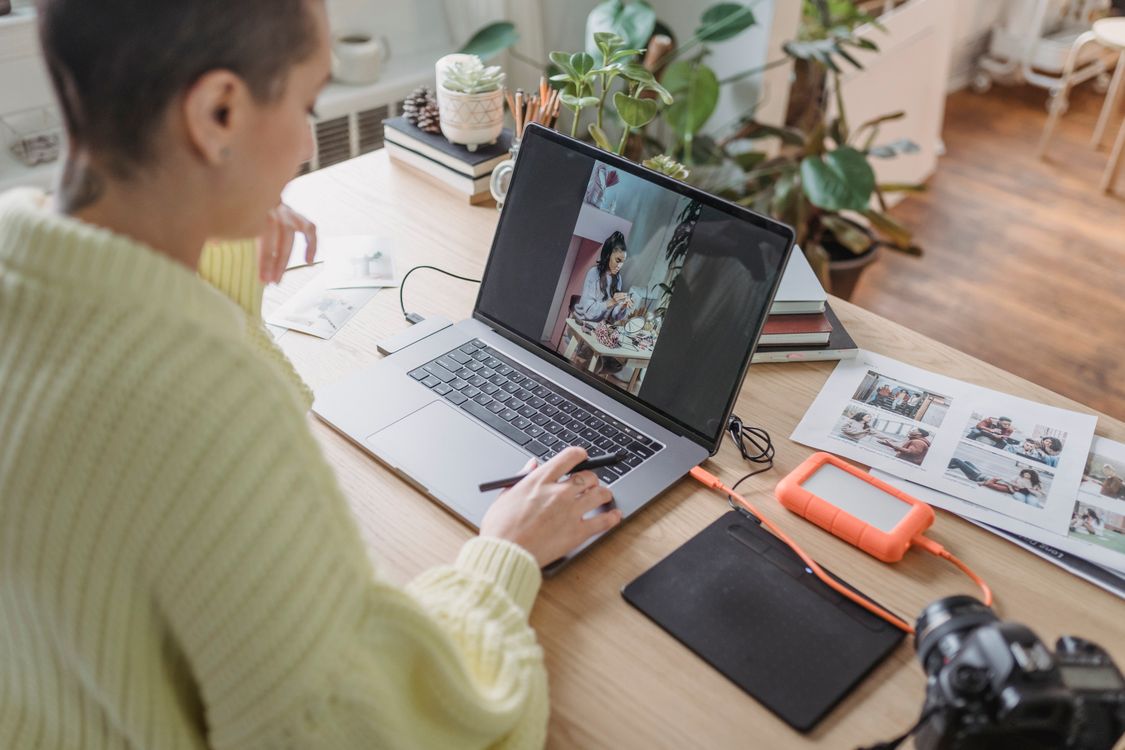
Vertical photo editing trends for social creators in 2026 are shaping how photos are framed, cropped and finished for phones. Most viewers now meet a photo on a small vertical screen, often for only a second or two, so the strongest edit is the one that reads instantly. That does not mean louder colour or busier design. It means a clear subject, comfortable contrast and a composition that survives a narrow crop.
Design for the phone first
The first change is practical. Creators are composing and cropping for vertical formats before they worry about a wider version. A subject placed slightly higher in the frame usually works better, because captions, buttons and profile details often cover the lower part of the screen. In Photomator, try a vertical crop early, then check whether the face, product or main detail still has room to breathe. If the photo only works at full width, it may need a different crop or a closer second version.
Background detail also matters more in a tall frame. A busy street, patterned wall or bright object can pull attention away from the subject in a way that is easy to miss on a larger screen. A gentle reduction in background brightness, a small crop or a subtle vignette can restore the balance without making the photo look artificial.
Readable text and calm colour
Text is now treated as part of the photo edit, not an afterthought. Creators are leaving clear space for headlines, keeping words large and avoiding areas where skin tones, hair or bright highlights sit behind lettering. When a photo is edited for social use, it helps to preview it at phone size and ask whether the main message is obvious without zooming.
Colour is moving in a calmer direction too. Instead of pushing saturation to the limit, many creators are choosing natural skin tones, clean whites and one clear colour accent. In Photomator, a modest saturation adjustment, followed by a check of skin and sky, usually gives a fresher result than a single dramatic filter. The goal is a photo that looks good next to other posts, not one that shouts over them.
One photo, several useful versions
Another trend is versioning. Rather than editing a single master image, creators are saving a vertical version for stories, a slightly wider version for feeds and a clean original for later use. This avoids awkward automatic crops and keeps the subject intact in each place. Editing photos for social media stories in Photomator follows the same idea, with an emphasis on brightness and readability in short-lived formats.
Export settings are part of this workflow. A sharp, well-sized vertical file will look better than a large file that a platform compresses heavily. Best export settings for Photomator photos can help you choose a size and quality that keep detail without creating an unnecessarily large upload.
Authentic detail beats heavy effects
Viewers are also becoming quicker to spot over-editing. Skin that looks plastic, skies that turn an unnatural blue and shadows that disappear completely can reduce trust, especially for creators who sell, teach or review products. The current trend favours texture, natural shadow and small, deliberate adjustments. Keep pores, fabric detail and natural light falloff where they help the photo feel real, and reserve stronger effects for clearly stylised work.
A simple checklist helps: subject clear, text space preserved, skin natural, highlights controlled and the photo still recognisable as the original scene. If an edit fails one of those checks, it is usually worth stepping back rather than adding another adjustment.
Frequently Asked Questions
What size should vertical photos be for social platforms?
A tall 4:5 or 9:16 crop is a useful starting point, depending on the placement. Check the platform before exporting, because automatic cropping can remove heads, feet or important text.
Should vertical photos use stronger colour?
Not necessarily. Slightly brighter exposure and clean contrast usually work better than heavy saturation, which can make skin tones and product colours look inaccurate.
How do I keep text readable over a photo?
Leave a quiet area in the composition, use large type and avoid placing words over faces, busy patterns or bright highlights.
Can I reuse one edit for several formats?
Yes, but check each crop separately. A version that works vertically may need a different crop, exposure balance or text position when used in a wider layout.
What is the biggest vertical editing mistake?
Editing only at full screen size. Always preview the photo at phone size, where small details, text and busy backgrounds become much more noticeable.
Vertical editing in 2026 rewards restraint and planning. Frame for the phone, protect the subject and text space, keep colour believable and export a version made for each placement. That approach will outlast any single filter trend.